Allows users to convert images to black and white while emphasizing specific objects or colors. Users can open existing images or capture new ones with the camera. They can zoom and pan using two fingers or paint with one finger.
by michele barbieri★ 4.25 ratingsPhoto & Video$0.99Data updated 2026-09-08
View and manage compressed files including ZIP, RAR, CBZ, and folders. Crop and adjust images with filters for contrast and inversion. Choose image display modes for fit or fill ratio. Access large ZIP files quickly.
Edit photos with , , and collage tools. Create and custom layouts. Adjust brightness, contrast, and saturation. Add text and stickers. Export and share edited images.
The app allows users to adjust photo color tones including brightness, contrast, hue, saturation, temperature, and tint. Changes can be previewed in real time, and the app supports transparency.
Convert digital images into text art with adjustable character sets and width settings. Preview changes in real time and export as plain text, HTML, TIF, or RTF files. Support for black/white and full color output.
Create stereo 3D images by capturing or selecting two photos. Adjust depth using orange arrow buttons and shift function. Choose from multiple 3D display modes including color, gray, and side-by-side.
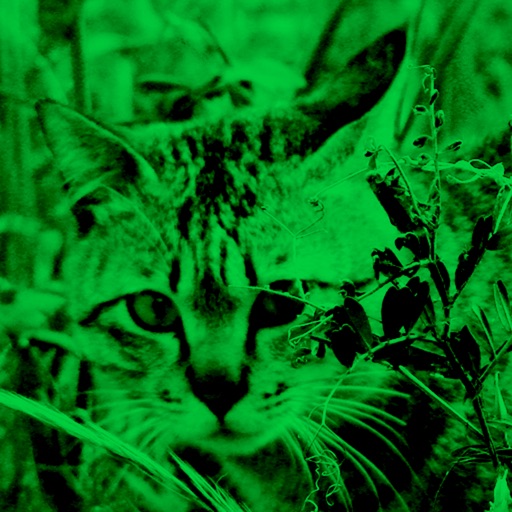
Enhance low-light photos with increased light intake and 8x zoom. Apply thermal imaging, green mode, and binoculars effects. Adjust brightness and contrast for clearer images in dark conditions. Share edited photos directly.
The app offers on-device photo editing with AI features like background removal and auto-enhancement. It includes over 38 filters, stickers, text editing, and export options for HEIC, JPEG, or PNG formats.
The app displays a user's photos in a randomized screensaver-like format. Users can reminisce about memories with configurable options for image display and appearance.
The allows users to program images onto a SLATE via NFC. Users can select from pre-loaded templates or create custom clapperboard images. Features include cropping, scaling, rotating, and naming custom images.
The app allows users to correct color casts or adjust photo warmth and coolness with presets. It offers a live split preview for comparing images and saving custom effect settings.