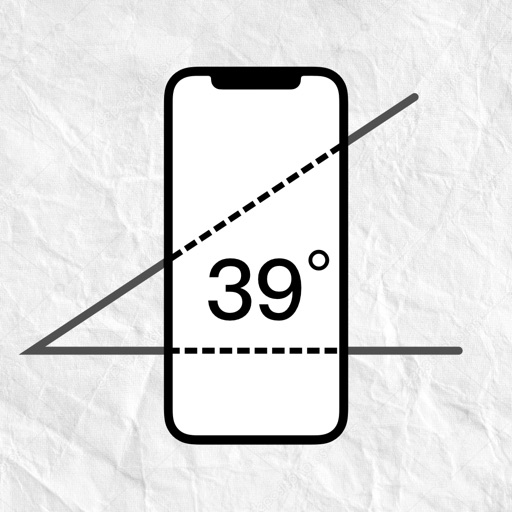
Measure angles with a color-changing scale that adjusts based on the iPhone's tilt. Use the camera for augmented reality alignment. Set up tables, shelves, and objects straight without a physical level.
by KEYUP SRL★ 4.86 ratingsUtilitiesFreeData updated 2026-09-08
Measure objects in photos using rulers and scale tools. Save and organize measurements with timestamps and notes. Export data as PDF or share directly. Sync measurements across devices.
Objects, lengths, angles, areas, and heights using augmented reality. Switch between metric and imperial units. Take screenshots, use flashlight, and draw clear measurement lines. Perform single or chained measurements and estimate person height.
Measure lengths with a ruler supporting metric and imperial units. Detect ambient noise levels using a decibel meter. Use a protractor tool to measure angles via the camera. Calibrate screens for accurate color display.
Calculate arc dimensions including radius, length, width, height, apothem, angle, and area. Input any two values to derive the rest. Useful for carpenters, architects, and engineers. Supports complex mathematical calculations.
Recognize objects using AI and phone camera. Scan images from gallery for identification. Identify animals, architectural objects, plants, machinery, food, and text. Access detailed information about recognized items.
Use AR for length and distance measurements. Measure height with AR technology. Check decibels, angles, and level accuracy. View HD and compass directions. Monitor barometric pressure and altitude. Use with adjustable brightness and strobe.
A minimalist displays time with large numbers and a color-changing circle. Users can set time up to 60 minutes. Optional sounds are available. Time progresses with a smooth animation.
Design 3D models with customizable colors and textures. Import 3D text and add in- purchases. View models in augmented reality by placing them in your environment and walking around them.
Measure angles of elevation, slope, and incline using device motion. Determine roll angles for vehicles and aircraft. Calculate roof pitch and antenna look angles. Align pictures and measure tape or chain slopes.
Measure horizontal and vertical surfaces with a . Use a laser for precise alignment. Check surface flatness with a spirit . Access inclinometer for angle measurements. Set and track levels for accurate tasks.
Create and manage tables with customizable columns and cell formatting. Save personal information, recipes, schedules, and timetables. Set item names and adjust text and background colors for cells.
Use your phone's camera to measure objects, calculate areas, and create floor plans. Access AR measure, , and level tools. Save measurements and switch between metric and imperial units.
Take photos of objects to automatically them. Adjust detection settings for accuracy. Export results as text or image. Share counts via email or messaging. Sync data across devices.
Measure objects using augmented reality and a . Calculate scale, height, area, and length. Use photo , inch , and measure tools. Export measurements and share results.
Measure lengths with a virtual ruler. Use protractor, plumb line, and spirit level for angles and alignment. Check elevation, air pressure, and location. Monitor decibels. Convert ordinal dates to calendar dates.
Measure angles by placing the device on the desired surface and adjusting two lines to align with the angle's sides. Display degrees in real time without needing photos or overhead placement.
Use camera to draw and paint in augmented reality. Access tracing templates for animals, cars, nature, food, anime, and more. Adjust brush size and color. Save and share artwork directly.
Optimize restaurant prep with smart scheduling based on sales and inventory. Set prep amounts and times. Print labels via connected printers. Use timers, checklists, and custom media for operational efficiency.
Track the sun's and trajectory using augmented reality. Point the device at the sky to see real-time solar location. View 3D sun paths on Google Maps for any location.
Track DVDs and series with a database to avoid duplicates. Manage a watchlist and organize media collections. Share film shelves with friends and update them collaboratively.