Edit photos using non-destructive layers and filters. Drag images into the workspace or layers list to add them as new layers. Apply live adjustments with real-time previews. Support multi-touch gestures for intuitive navigation.
by Romain Piveteau★ 0.00 ratingsPhoto & Video$3.99Data updated 2026-09-08
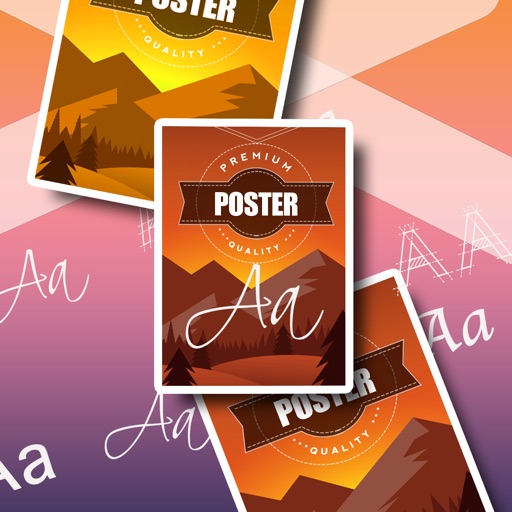
Create realistic instant photo effects with customizable backgrounds, fonts, and filters. Add text, stickers, and light leak effects. Design greeting cards, posters, and social media content. Enhance photos with adjustable filters and effects.
Create and edit 3D models using 25 built-in primitive shapes. Import and export models in various formats. Adjust geometry with precision tools. View models in 3D and 2D perspectives. Add textures and materials for realistic rendering.
Transfer video streams via without needing physical connections. Capture photos or videos and retrieve them through the . Used for toys, aerial photography, monitoring, and industrial inspections.
Add to photos with customizable fonts and styles. Choose from 250+ fonts and 200+ templates. Include layers for , images, shapes, and stickers. Access a variety of stickers, icons, and quotes. Apply single color or gradient color palettes.
The app allows users to add moments from their phone to a story. At the end of each month, photos are printed and shipped in a custom Photobox, creating a physical, tangible story that builds over time.
Edit photos adjustable temperature, tint, and exposure settings. Use texture blending tools and apply effects. Add stickers opacity and shadow control, and include text 3D effects and multiple fonts. Crop, rotate, and straighten images.
Use the to capture or select a reference image for painting. Adjust the canvas size to match the chosen window. Access grid options like the golden ratio or use no grid.
Animate static images by painting direction and using a stop brush. Combine and blend unlimited layers from photos or online sources. Add animated effects with built-in tools. Export and share finished animations.
Securely store and manage private , videos, and documents. Encrypt content with multiple security layers. Set passwords and biometric locks. Organize files into folders. Share content selectively with access controls.
Create logos with customizable templates, text tools, and graphic elements. Adjust colors, fonts, and layouts. Export in multiple formats and share directly.
Edit photos by drawing on them with adjustable brush sizes and color choices. Use an erase tool and undo/redo functions for precision. Save edited images for later changes or share them directly on social networks.
Create paintings, drawings, and sketches with realistic brush strokes and 64-bit color. Use sub-pixel precision for detailed work. Import and export artwork in multiple formats. Access advanced tools for layering and color blending.