Resize photos to custom dimensions and formats. Select images, adjust resolution, and convert file types. Export resized images for email or website sharing. Maintain image quality during scaling.
by Coding Mammoth★ 0.00 ratingsPhoto & VideoFreeData updated 2026-09-08
The app manages and downloads documents, supporting Open Document formats like ODT, ODS, and ODP. It displays PDF, MS Word, Excel, PowerPoint, iWork, and image files, and integrates with cloud services like Google Drive, Dropbox, and Box.
The app offers multiple screenshot capture methods including full screen, selected area, and timed captures. It also provides file management for screenshots, with options to create folders, customize save names, and support various image formats.
Create -outs by removing backgrounds automatically. Preserve facial features with recognition. Crop and resize images with percentage scaling. Save as transparent PNG or custom background JPG. Generate outlines around subjects.
Split photos into square formats for Instagram. Create collages by combining multiple images. Use customizable layouts. Export and share directly to Instagram.
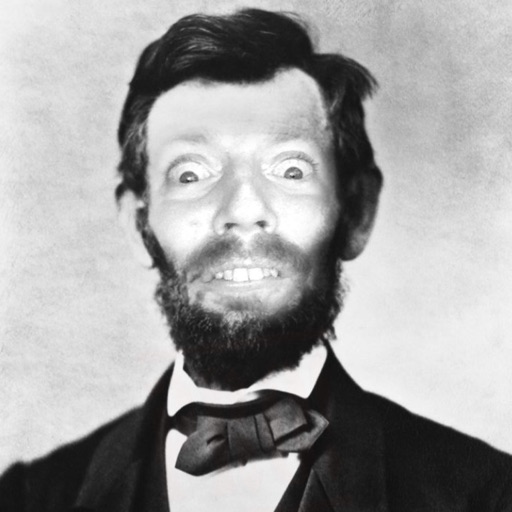
The app allows users to place their face into historical photographs. Users can add captions, fun graphics, and frames to their creations before sharing them on social media or via messaging.
The app converts and renames images, supporting numerous formats including RAW files. It preserves metadata and file structure while offering batch processing and flexible renaming options.