
iPhone Screenshots

Description
Convert any image to the format you need — fast, easy, and in bulk.
▸ SUPPORTED FORMATS
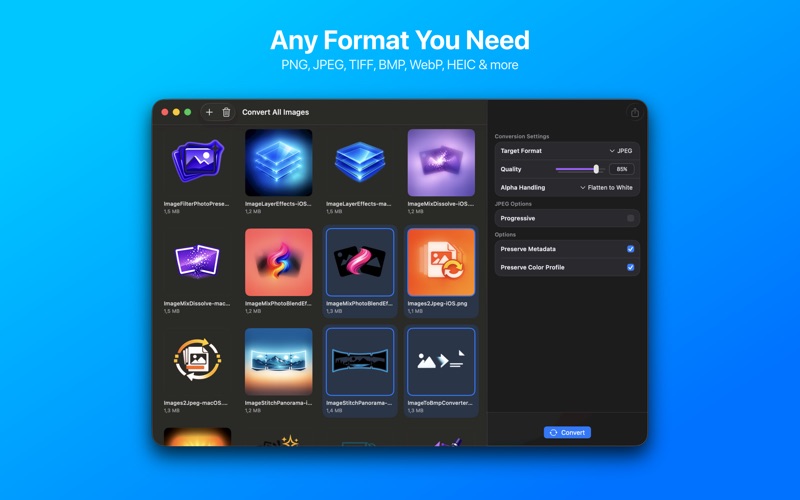
Export to PNG, JPEG, TIFF, BMP, WebP, HEIC, or GIF. Convert from virtually any image format your device can read, including PSD, RAW, and more.
▸ BATCH CONVERSION
Select multiple images at once and convert them all in a single operation. Perfect for photographers, designers, and anyone working with large image collections.
▸ QUALITY CONTROL
Fine-tune compression settings for JPEG, HEIC, and WebP. Choose lossless PNG or TIFF for maximum quality. Adjust output dimensions when needed.
▸ TRANSPARENCY HANDLING
Preserve alpha channels or flatten transparent backgrounds to white. Full control over how your images handle transparency.
▸ DRAG & DROP
Simply drag images into the app window on Mac. On iOS, tap to browse or import from Files.
▸ FAST EXPORT
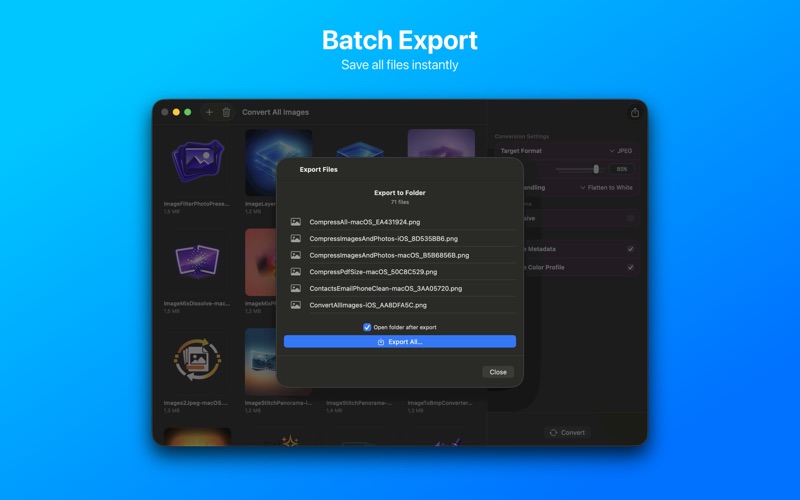
Save all converted files to any folder you choose. Built-in progress tracking shows you exactly what's happening.
▸ NATIVE EXPERIENCE
Designed for macOS and iOS with a clean, intuitive interface that follows Apple design guidelines.
No subscriptions. No ads. No data collection. Just a powerful image converter that respects your privacy.