Add date and time labels to photos with customizable position and font color. Edit photos without losing resolution. Automatically save edited images to the library.
by 文睿 李★ 2.65 ratingsPhoto & VideoFreeData updated 2026-09-08
Edit photos with adjustment tools, stickers, frames, textures, effects, and a wide range of filters. Add text and apply effects. edited photos directly from the .
Upload photos directly from your device. Select from customizable templates to reel covers. Add text, stickers, and effects. Adjust colors and layouts. Export and share covers directly to Instagram.
Edit photos with filters inspired by 70s, 80s, and 90s film cameras. Add light leaks and dust overlays. Adjust brightness, contrast, and saturation. Save edits in various formats and share directly.
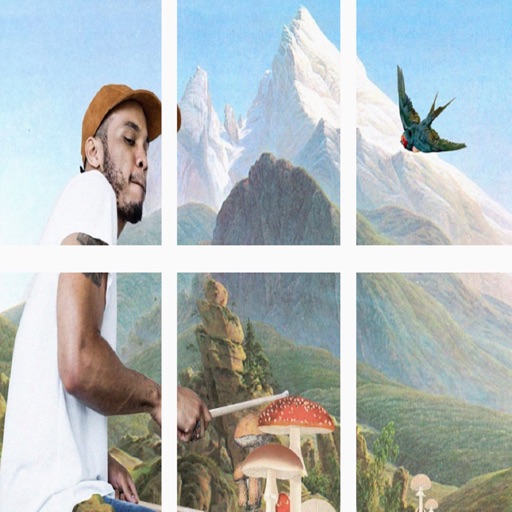
Split images into 1x2, 1x3, 2x3, 3x3, or 4x3 grids. Adjust photos by zooming, moving, or rotating. Export high-resolution splits. Post split images directly to Instagram as a single photo.
Post full-size photos to Instagram without cropping. Adjust orientation, scale, and flip images. Apply filters, add borders, frames, stickers, and text. Customize backgrounds with blur, shapes, and shadows.
Edit photos by typing desired changes like removing acne or adding a smile. Transform faces into anime characters. Retouch skin for a smooth, natural look without filters. Adjust expressions to appear more confident in photos.
The app displays selected photos in 3D slideshows with various formations like cubes and pillars. Users can interact with the slideshows and filter images for display.
Edit photos by adding colors to specific areas. Use shape to highlight sections with desired shapes. Apply filters, adjust colors, and use brush tools. Undo and redo changes. Export edited photos in various formats.