CODEBAKER BILISIM HIZMETLERI VE TICARET LIMITED SIRKETI
Documents, edit, and share files
Documents, photos, and notes into PDF or PNG formats. Edit scanned files, add text, and convert images. Share files directly or save them to cloud storage. Digitally sign documents for quick approvals. Organize and manage scanned content in folders.
Convert images to PDF by selecting files from the gallery or capturing new photos. Group multiple images into one PDF file. Add watermarks and set password protection for secure access.
Create PDF by editing text and images. files to PDF excluding videos and audio. Merge multiple PDFs. PDF to image and image to PDF. Save time with efficient file management.
Documents, photos, or text to create digital copies. Automatically detect document borders or adjust manually. Convert captured content into PDF format. Share or save scanned files directly.
The app unarchives files in multiple formats including .zip, .rar, and .7z. It also supports file management through Wi-Fi transfer, iTunes File Sharing, and remote browsing.
Convert PDFs to images and images to PDFs. Merge multiple PDF files into one. Edit text and annotations. Export in various formats. Share and organize documents directly.
Scan documents, notes, photos, receipts, and books into PDF or JPEG files. Use OCR to convert images into text. Export scanned files and share them directly. Batch scan multiple items at once.
The app prints PDF, Image, and PRN files from an iOS device to a Brother Mobile Printer. Users connect their device to the printer using Wi-Fi or MFi Bluetooth.
Contacts between devices by syncing phone numbers, emails, and addresses. Export contacts to CSV or vCard format. Import and merge contacts from multiple sources. Backup and restore data securely.
Print documents, emails, and web pages directly to WiFi or wireless printers. Store and view files, photos, and contacts on iPad. Print remotely over mobile data or in networks without WiFi. Supports all document types and printer brands.
Backup to PDF, CSV, XLSX, VCF, TXT, and HTML formats. Export entire address book in one go. Choose specific to save. Share backup files via email or cloud storage. View contact details in list or grid view. Edit contact information before exporting.
PDF files to editable documents in DOC and DOCX formats. Edit converted text, adjust formatting, and save or share the file. Supports batch conversion and maintains original layout.
Transfer between devices wirelessly without cables. photos, videos, contacts, calendars, and other files. Initiate transfers with minimal steps. Ensure secure and hassle-free migration.
Convert documents to PDF by selecting the file and initiating the conversion process. Supports .doc and .docx formats while maintaining original layout. Features an intuitive interface for straightforward use.
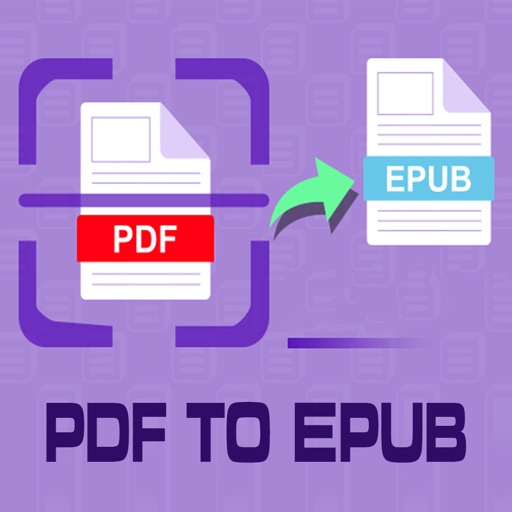
Convert PDF files to format for mobile reading. Edit text, adjust fonts, and customize margins. Export as and share or save to device. Supports iPad, iPhone, and ebook readers.
Set up printers for iPad printing. Print emails, attachments, web pages, documents, contacts, calendars, and cloud files. Print to all WiFi/Wireless printers without extra software. Connect via local network or mobile data.
Documents and photos directly from your phone. Support for doc, docx, pdf, jpg, and other formats. Select options and settings. Share files via Wi-Fi or cloud services. Manage jobs and settings through a user-friendly interface.