The app offers 17 tools for adjusting image quality, including noise reduction and sharpening. Users can compare before and after images by long pressing.
by EIGHTIVE DESIGN, Inc.★ 4.47 ratingsPhoto & VideoFreeData updated 2026-09-16
Edit videos by trimming, merging , and cropping for different screen sizes. Adjust brightness, contrast, saturation, exposure, temperature, tint, highlights, shadows, sharpness, and vignette.
The app offers tools to improve and enhance photos with features like brightness, contrast, and saturation. Users can apply various filters and effects, and also create and purchase canvas prints of their images.
The app allows users to reduce image file sizes with adjustable compression ratios. Users can compare the original image with the compressed version in real time to observe quality and size differences.
The app manages photos with 12 functions, including camera integration and a photo album. Users can apply 47 photo effects and 34 filter effects to selected images.
Edit photos with filters, adjustments, and effects. and focus areas with finger movements. Crop, rotate, and add text or stickers. Adjust tone curves and apply splash effects. Save and share edited photos to social media.
Edit photos with , art, and vintage filters. Adjust contrast, saturation, and temperature. Add scratches and speckles for a nostalgic effect. Export and share edited images directly.
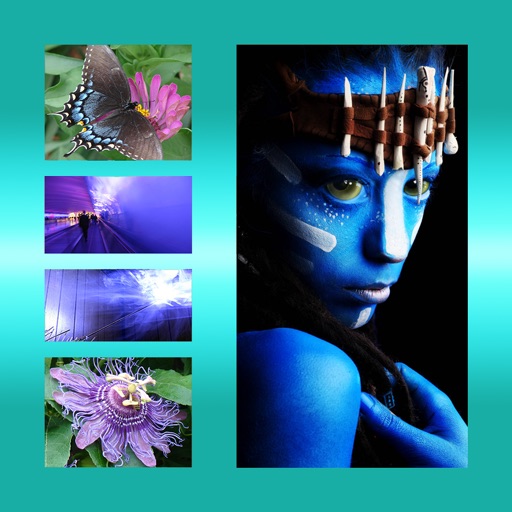
The app allows users to combine multiple photos into one framed picture. Users can adjust contrast, brightness, and saturation, add text, and apply effects.
Upscale images to 2x, 4x, or 6x resolution using AI. Adjust colors, brightness, and contrast with HDR. Customize output settings and save or share enhanced images.
Crop and trim clips, split or duplicate segments. Adjust position, rotate, or flip. Apply filters and customize background color. Merge videos and change playback speed for slow or fast motion.