The app offers 773 items for photo decoration, including pens, stamps, and frames. Users can draw, handwrite letters, and create custom stamps and message cards.
by EIGHTIVE DESIGN, Inc.★ 4.39 ratingsPhoto & Video$1.99Data updated 2026-10-07
Capture photos with time and location watermarks. Add geo-tagged timestamps and GPS markers. Choose from various anti-counterfeiting watermark patterns. Document activities, track absences, and prove work-from-home status.
Create custom photo frames by selecting layouts for 2 or 3 images and adjusting rounded corners. Choose from various frame shapes and colors. Adjust sizes for printouts, wallpapers, or other formats.
Create fully customisable . Import images from your gallery as backgrounds. Access an online photo library with 2.5M+ royalty free images. Adjust colors of design elements. Decorate home screen with . Export and apply modified .
Add to photos for decoration. Choose from various frame styles. Save and share decorated images. Edit and enhance photos with built-in tools. Organize and store memories in albums.
The app offers a timer and multi-shot functions for self-portraits. It captures photos directly into the user's photo album, functioning like an original camera application.
Remove unwanted objects from photos by deleting people, logos, watermarks, or text. Use intelligent fill to replace removed areas with appropriate background textures. Edit images directly in the and save the modified versions.
Customize settings with films, frames, and effects. Apply restored Kodak and Fujifilm filters. Choose from 17 high-quality photo paper frames. Add film effects like dust, grain, and light leaks.
Auto-captures photos when two faces come close. Stamps each image time and location. Allows users to create a personal grid for their memories. Enables sharing specific contacts or keeping content private.
Add GPS coordinates, latitude longitude, and addresses to photos and videos. Include date and time stamps. Customize settings with grid, aspect ratio, flash, and selection.
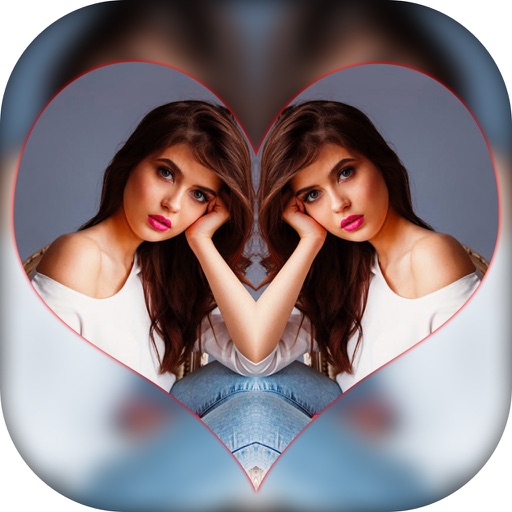
Create effects with left-right, up-down, reflection, and repeating options. Apply effects and designer frames to enhanced images. Edit and share -style photos with additional customization features.
Edit photos and videos with AI-powered enhancements, including skin smoothing, background blurring, and style transfers. Adjust lighting, colors, and effects. Save and share edited content directly.
The app allows users to draw directly onto their camera lens or photos. Users can add captions, stickers, and doodle on images before saving and sharing them.
Add frames to photos from gallery, camera, or Facebook. Choose from various categories and themes. Discover new frames daily from user submissions. Save favorite frames for quick access. Unlock additional frames for use.
Enables manual adjustment of settings such as focal length, exposure, ISO, shutter speed, and white balance. Users can capture photos and videos with precise control.
Create slideshows and videos using personal photos. Add background music to enhance the presentation. Choose from various templates to customize the appearance. Export and share the final content directly.