The app adds a kaleidoscope effect to the iPhone camera, creating unique pictures. Users can save and share their creations, making it a tool for wallpapers.
by Computer Creators, Inc.★ 5.01 ratingsPhoto & VideoFreeData updated 2026-09-15
Edit photos by rotating and adjusting resolution. Select images from camera or album. Arrange and organize photos with drag-and-drop functionality. Save and share edited images directly.
The app provides tools for creating stop-motion films on a mobile device. It includes camera functions, album management, photo editing, and video assembly features for creating movies.
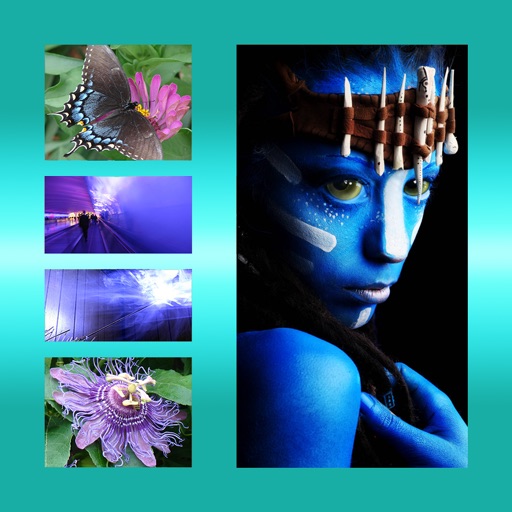
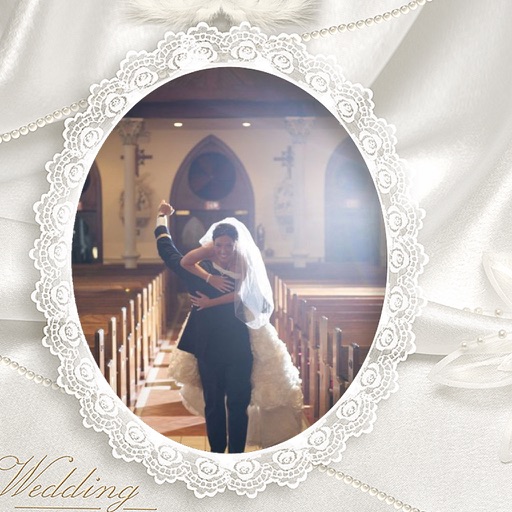
The app allows users to combine multiple photos into one framed picture. Users can adjust contrast, brightness, and saturation, add text, and apply effects.
Edit photos with tool to reshape body parts. Use reconstruct brush to adjust features. Resize , breasts, and waist. Add filters and effects. Save and share edited images.
Provides -themed for devices. Automatically detects device resolution for optimal fit. Allows easy saving and assignment to contacts. Features an attractive design and supports all device types.
Record videos and photos in portrait orientation. Use real-time zoom for adjustable framing. Stabilize videos during movement. Capture FullHD images with clear detail. Share media directly from the notification center.
The app converts photos to grayscale while allowing users to selectively recolor portions of the image. Users can paint, zoom, and erase to create unique color splash effects and share their creations.
The app transforms a computer desktop into a view of the underwater world with dolphins. It offers 3D graphics and realistic dolphin animations, ready for Retina 5K displays and supporting multiple monitors.
Edit photos by selecting from the gallery or using the camera. Apply multiple and effects. Adjust image position, size, and angle. Save, share, or upload to social media platforms like Facebook, Twitter, and email.