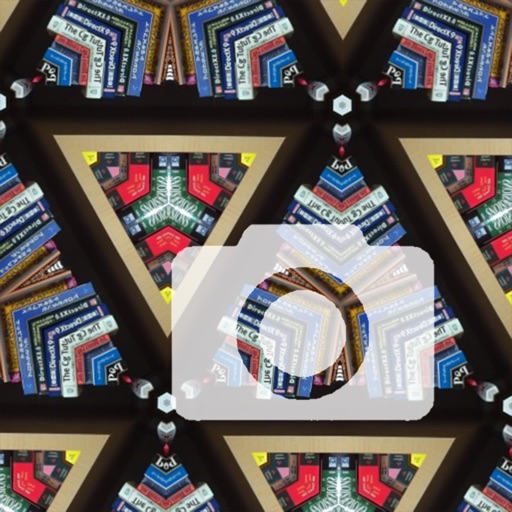
The app adds a kaleidoscope effect to the iPhone camera, creating unique pictures. Users can save and share their creations, making it a tool for wallpapers.
by Computer Creators, Inc.★ 5.01 ratingsPhoto & VideoFreeData updated 2026-09-15
The app enables users to create demotivational posters with their own images. Users can select photos from their library or camera, add top and bottom captions, and then save or share the creations.
Set wallpapers and lock screen images from a collection of fantasy themes. Preview images on your device before setting. Customize wallpapers to fit your screen. All images are available for free without needing to download.
Create artistic images with single-tap camera effects and professionally designed filters. Adjust brightness, contrast, and tone curve. Blur and focus images. Rotate, crop, and resize photos. Add text and fun stickers.
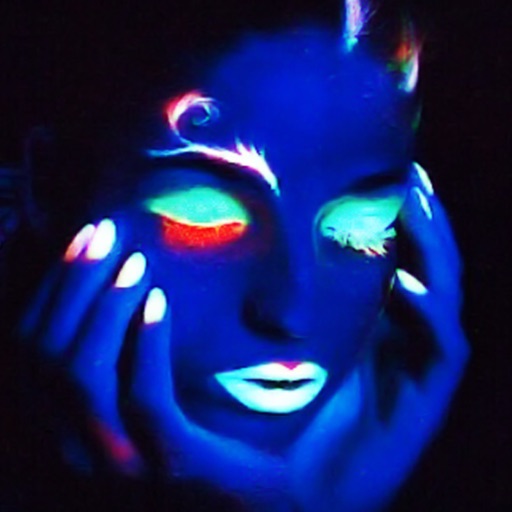
The app simulates a black light effect using the iPhone camera. It mimics the appearance of a black light, which primarily emits ultraviolet radiation with minimal visible light.
Edit photos with filters, backgrounds, patterns, textures, frames, and stickers. images to format. Access photos from the gallery or capture new ones with the camera. Apply creative tools to enhance and style images. Share edited photos directly.
Apply effects to photos using pre-designed styles and stickers. Add -themed overlays and effects. Edit and save modified images directly. Share edited photos through integrated sharing options.
The app allows users to enhance photos with over 45 colorful and beautiful frames. Users can capture photos instantly, adjust pictures within frames using multi-touch gestures, and save them to their Photo Library.
The app offers over 60 wallpapers for iPad devices. Users can save images to their photo gallery and set them as their Lock Screen or Home Screen wallpaper.
The app combines iPhone video camera images in transparency to create new pictures. Users can choose when to save the final image and browse, select, and share captured images.
Take photos with three quality levels: medium, low, and very low. Apply 18 filters. Capture square images. Adjust saved photo quality to reduce file size. Share directly from the .
Create collages by combining multiple photos. Add romantic and text. Share collages via social media or messaging. Customize layouts and edit images within the .
The app creates spacial collages of images by moving the camera in 3D space. It uses the device's gyroscope to position images on a flat surface, resulting in unique pictures similar to panography.