Apps Like FileViewer USB for iPhone for iPhone and iPad
View files, transfer, print, email
View and manage files including PDFs, documents, and media. Open files via email, AirDrop, or connected devices. Transfer files using USB or Wi-Fi. Print documents and share files directly. Supports multiple file formats for viewing and listening.
by MITCHELL COHEN★ 4.02 ratingsBusiness$3.99Data updated 2026-11-28
Manage and organize files across devices. Open documents, PDFs, images, audio, and video. Access cloud storage services. Transfer files between iOS devices, Macs, and PCs. Share files directly with other devices.
The app splits PDF files into multiple files and merges selected PDF files into one. It supports importing documents from cloud drives, web browser, and other apps, then uploading them after splitting and merging.
View content in a floating PiP window above other apps. Support multiple image formats, video, PDF, PowerPoint slides, text, web pages, and timers. Turn pages manually or automatically for text files.
Manage files and media with support for iWork, Excel, Word, PDF, text, video, and audio formats. Organize files by copying, moving, renaming, and creating folders. View and edit photos, record and playback audio/video, and write notes.
Convert files to PDF format with clean, high-quality output. Save documents instantly. Create lecture notes, reports, contracts, or share written content. Edit before conversion. Export as PDF and share via email or cloud services.
The app extracts valid email addresses from various file types including documents, databases, and websites. It can process files via the menubar or drag and drop, and output results to CSV or TXT files.
Organize digital documents by scanning and tagging them as PDFs. Perform intelligent text recognition locally on iPhone or iPad. Sync files via iCloud Drive. Store scanned documents without cloud processing.
Record audio and convert speech to text with AI-powered transcription. Edit and organize notes, highlight key points, and export as formatted documents. Sync notes across devices and share directly via email or cloud services.
Files between formats including MP3, WAV, MP4, OGG, WEBM, WMA, FLAC, AAC, AIF, CAF, M4A, and AU. multiple files at once. Supports fast conversion and includes an MP3 .
Convert documents by scanning with automatic boundary detection. Batch multiple pages at once. Save scans in PDF or image formats. Share files via email, cloud services, or messaging apps. Edit text and annotate scanned documents.
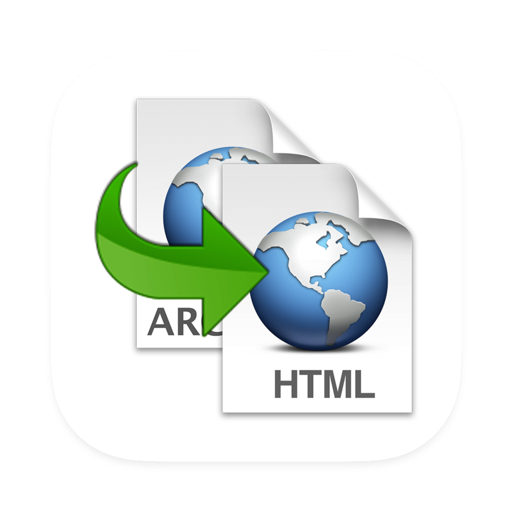
The app converts .webarchive documents to .html format. It extracts all resources, including HTML, CSS, and images, to their original formats for inspection or reuse.
Combines a and -taking . Users can input calculations with numbers and operators. Rows support addition, subtraction, multiplication, division, or skipping. Rows can be reordered. Notes are organized into multi-depth folders.