The app detects faces in photos and automatically removes red eyes. Users can manually adjust or add faces, fix pet photos, and save or share edited images.
by Sebastien BUET★ 3.73 ratingsPhoto & Video$1.99Data updated 2026-11-15
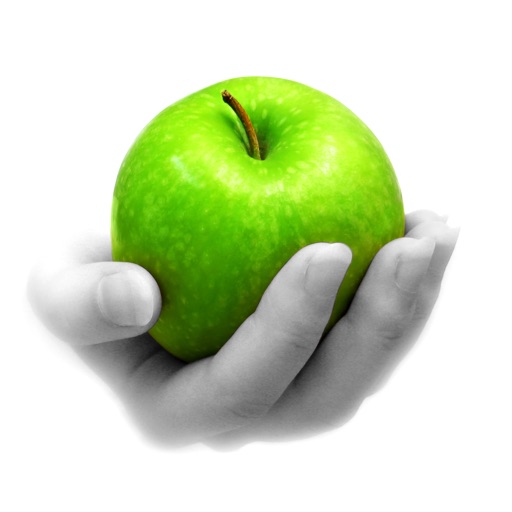
Edit photos by converting them to black and white while retaining selected details. Use multi-touch gestures to paint areas in black and white or restore original colors. Zoom in and out with two-finger pinching. Adjust and export edited images.
Edit photos with eye and effect changes. Apply realistic contacts, exotic contacts, scary effects, and animal eye styles. Save and share modified images directly.
Retouch portraits and selfies with advanced editing tools. Adjust skin tone, remove blemishes, and enhance details. Add artistic filters and effects. Save and share edited photos directly.
Create holiday cards by selecting from 500+ , filters, and effects. Choose photos from your gallery or camera, add custom text, and share the finished card. Include festive elements like a fluffy Red Santa for fun.
Edit photos with ninja eyes, glowing effects, and stickers. Access anime-inspired wallpapers and live wallpapers. Share edited photos easily. Ideal for Naruto and Boruto fans.
Edit photos by applying lenses and eye effects. Choose from various eye types and colors. Add red circles for a hypnotic effect. Drag and adjust lenses for custom placement. Share edited photos directly.
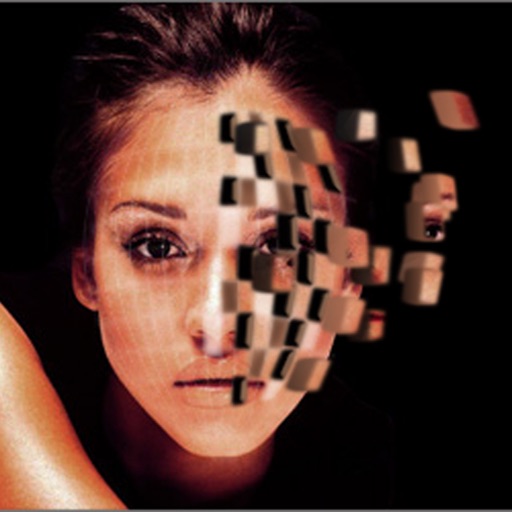
Lets users exchange faces between photos. Users can entire faces or specific features like eyes, lips, and nose. Multiple swaps are allowed in a single . Faces can be copied, saved, and reused in other images.
Edit photos with AI-powered lighting correction, exposure adjustment, and shadow detail enhancement. Retouch faces and bodies, experiment with makeup and hairstyles, and create collages or videos. Share edited content directly.
Create custom mosaics and video mosaics using images from device or social accounts. Analyze colors and shapes to generate personalized mosaics. Adjust settings for customization. Zoom in for detailed viewing.
Securely store and hide photos and videos with encryption. Set access permissions and passwords. Delete content permanently. Free up device storage by moving media to encrypted cloud storage.
Enhance low- photos with real-time amplification. Adjust between amplification and exposure modes. Capture details in twilight with up to one-second exposure. View enhanced images instantly without additional hardware.
Edit photos by highlighting colors, removing or changing backgrounds, and blurring specific areas. Use healing and smoothing tools for precise adjustments. Create photo montages and export edited images directly.
Use AI to capture long exposure photos. Remove crowds, create light trails, and enhance waterfalls. Adjust exposure settings automatically. Preview and edit images with advanced tools. Share final photos directly.
Edit photos with AI-powered and body enhancements. Smooth skin, remove blemishes, and adjust body contours. Make precise edits without altering the rest of the image. Export edited photos in various formats.
Edit photos with skin retouch tools to remove blemishes and enhance texture. Adjust for eyes, lips, cheeks, and brows. Change hair color using a salon-style tool. Edit body shape with a body tuner. Apply selfie filters and save edited images.
Edit photos with filters, beauty tools, and artistic effects. Adjust skin tone, eyes, and lighting. Add stickers, text, and frames. Export in multiple formats and share directly. Sync with mobile edition for consistent editing experience.