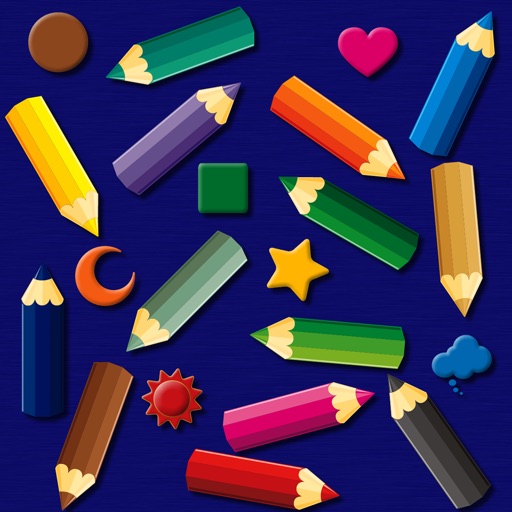
The app provides a simulated magnet board with 14 color pencils and 9 icons. Pictures can be erased by sliding a bar and saved to the photo library on iPad.
by bismark LLC★ 0.00 ratingsEducation$1.99Data updated 2026-09-14
Create and learn flashcards for various subjects including foreign languages, medicine, history, geography, science, law, and recipes. Add images from your photo library or camera. Review cards with multiple modes and track progress over time.
Create lightning by tapping the screen in a simulator with realistic thunder and rain sounds. Choose from three locations: sunset, misty forest, or night coast. Control rain, wind, and owl sounds via bottom icons.
Select colors for artworks using reference photos. Suggest four brands of colored pencils with specific counts. Include an option for graphite. Download and print skin tone value viewers.
Run through six environments while avoiding obstacles and collecting coins. Dodge monsters and use power-ups like slow time, shield, or magnet. Restart from the beginning after a mistake. Collect coins and progress through maps.
Create 3D art using step-by-step tutorials. Access a large collection of drawings and techniques. Learn without prior skills through self-guided lessons. Practice drawing various styles. Export and share finished artwork.
Create art using realistic and watercolor effects. Draw with tools like marker, airbrush, crayon, and eraser. Apply fluid-based watercolor effects in the full version. Adjust colors and blend textures for detailed illustrations.
Create and customize drawings using line tools, paintbrushes, and stamps. Access a library of free pages to color and paint. Share completed artwork with family or friends. Draw freely or use pre-designed templates for creative expression.
Break by launching a ball with a sliding bar. Use props to split the ball and progress through levels. Features include simple controls, basic graphics, and power-ups to assist in breaking .
Add -themed stickers to messages by dragging the oval icon to the front of the Messages bar or adding via the More menu. Include 36 stickers for expressing affection.
Edit photos by drawing on them with adjustable brush sizes and color choices. Use an erase tool and undo/redo functions for precision. Save edited images for later changes or share them directly on social networks.
Digital coloring book for kids ages 4+. Use fingers to paint and recolor repeatedly. Erase mistakes easily. No need for physical art supplies. Features include customizable colors and simple drawing tools. Save and share completed artwork.
The app creates black and white photos from the photo library or directly using the iPhone camera. Processed photos are saved in original size with a polished user interface.
Create drawings using realistic crayon and marker pen tools. Listen to drawing sounds. Navigate with an intuitive interface. Access eight free coloring pages for practice. Explore related drawing apps for different mediums.
Explore unique planets with distinct search mechanics. Navigate 120+ levels filled with items. Overcome dynamic obstacles like blizzards and radiation. Use boosters such as magnifier and magnet for assistance.
Solve puzzles by sliding blocks to free the red . Move blocks to clear paths and reach the exit. Progress through increasing difficulty levels. Track completed puzzles and challenge yourself with new levels.
Children can color eight scenes including playgrounds and beaches using many color pencils. Each pencil has a voice to teach color names. Big, easy-to-use diagrams allow creative coloring with different .
Draw sketches using brushes and tools with support for Apple Pencil. Create layered artwork and zoom for detailed painting. Import and export vector images in PDF, PNG, and JPEG formats. Use color or photo backgrounds. Save artwork for later.