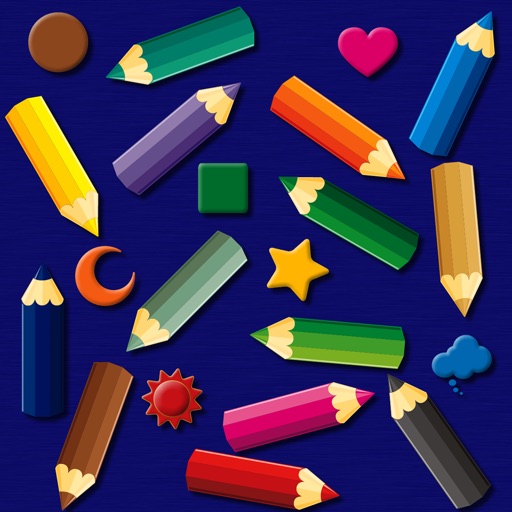
The app provides a simulated magnet board with 14 color pencils and 9 icons. Pictures can be erased by sliding a bar and saved to the photo library on iPad.
by bismark LLC★ 0.00 ratingsEducation$1.99Data updated 2026-09-14
Solve puzzles by sliding numbered tiles into place. Arrange tiles in numerical order by tapping and moving them. Track progress and logic and coordination skills.
The app simulates virtual oil paint and brushes for realistic drawing. It features an interactive palette for color manipulation and offers numerous free coloring books.
Teaches the German through interactive lessons with illustrations and storytelling. Children progress through levels, earning stars as rewards. Features include animated visuals, sound effects, and a gamified learning experience.
The app is a puzzle game where players slide blocks to move the red block off the board. It offers various difficulty levels and includes features like a hint system and an undo option.
DFB X allows users to select from a list of items by forcing one choice. Features include an input screen with touch highlights, search functionality, customizable settings, and light/dark text options.
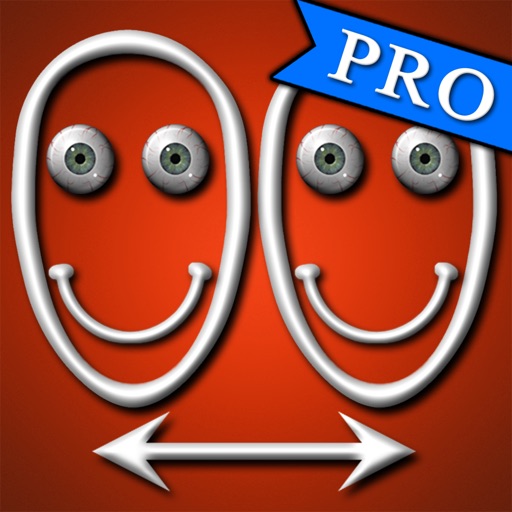
The app allows users to swap faces in photos. Users can take a picture or load one from their library, place masks over two faces, and the app swaps them.
Search and listen to audio files from the .com website. Use the search function to find content by entering keywords. Filter results by Taleemat, Naat, or Mehfil categories.
Play a puzzle by tapping to check items and using arrows to change viewpoints. Tap item icons twice to enlarge them and use them in the environment. Hints are available via the MENU button. Progress and item status are automatically saved.
Study with a comprehensive question bank covering all exam categories, including detailed answers. Navigate through topics for focused learning. Take exams in simulated mode to assess readiness. Save important questions to favorites for quick review.
Create and animate drawings with a variety of painting tools and brushes. Record and share artwork as videos. Use a whiteboard for tutorials and pitch recordings. Access symmetry and guides for precision. Export creations in multiple formats.
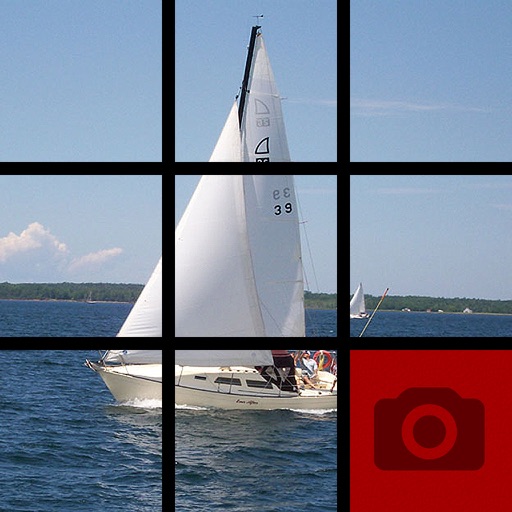
Solve -sliding puzzles by arranging numbered tiles in order. Features include 50 high-resolution sea and beach-themed images. Includes ad-supported gameplay. Allows users to slide tiles to rearrange numbers.
The app draws random shapes in random colors and sizes. Users can clear the screen with a two-finger tap or shake the device to access a menu for background options.
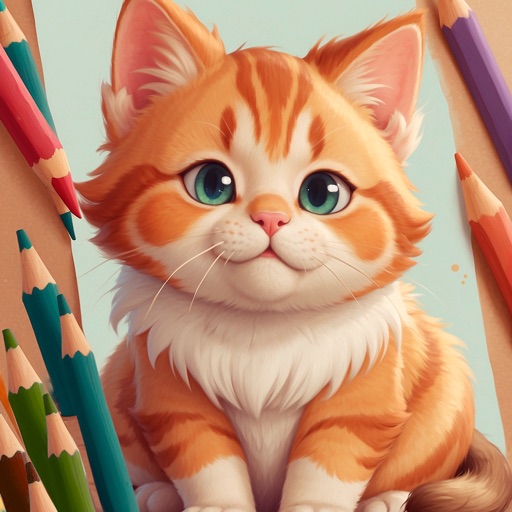
Children can animals using finger gestures as if with crayons or colored pencils. Features include a magic brush for automatic painting, color mixing, and creative drawing. The includes a format to teach color combination and foster creativity.
The app lets users combine their photo with a DanceMom Cast member's photo. Users can add a photo or take an instant picture to create a combined image.
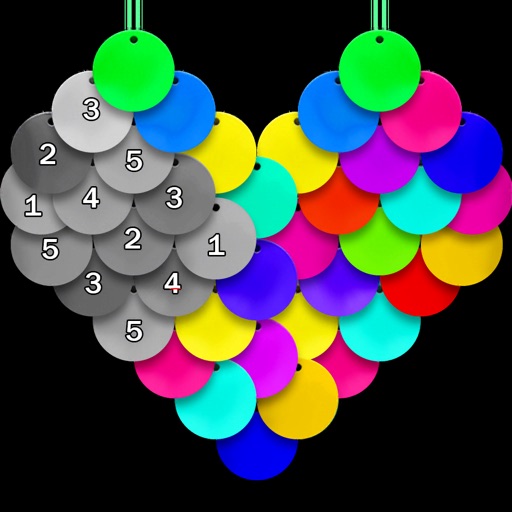
Color pictures using disc-shaped beads to create artwork. Select from various coloring pages. Add beads to fill sections and complete images. Save and share finished creations. Adjust bead placement and colors.
Play a strategy game where the goal is to the entire board with one color in fewer steps. Choose from three board sizes and 30 levels. Use extra steps to overcome challenges. Track win/loss stats and apply cool game skins.