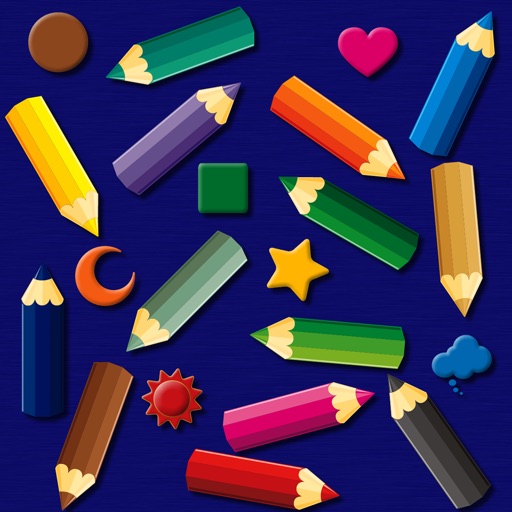
The app provides a simulated magnet board with 14 color pencils and 9 icons. Pictures can be erased by sliding a bar and saved to the photo library on iPad.
by bismark LLC★ 0.00 ratingsEducation$1.99Data updated 2026-09-14
Simulate sirens with customizable sounds and flashing lights. Set screen brightness and start times. Choose from various sounds and timer options. Control patterns and duration manually.
Color within lines using digital crayons. Select colors and tools to fill shapes. Save and share completed drawings. Adjust pressure sensitivity for detailed shading. Access a library of LDS-themed pages.
Practice with exercises featuring rhythms from 2 to 12 beats per bar. Receive instant feedback on timing accuracy. Progress through graduated levels from beginner to professional. Track practice sessions and review performance metrics.
Create and annotate live video or images with freehand sketches. Insert pictures, shapes, text, and labels. Record videos or screen captures and save to device photo library. Use picture-in-picture features for interactive demonstrations.
Explore a series of interactive scenes inspired by Monet's artwork. Navigate through gardens, ponds, and rooms to collect color fragments. Complete paintings of water lilies by arranging colors.
The app provides a drawing experience with colorful stamps and rainbow lines that trigger sounds. Users can save their creations, clear the canvas with trash and eraser buttons, and choose between white and black backgrounds.
Control a bird to fly through winter skies by dragging the screen to navigate and tapping to move forward. Avoid colliding with black birds and buildings. Explore multiple beautiful stages with intuitive sliding controls.
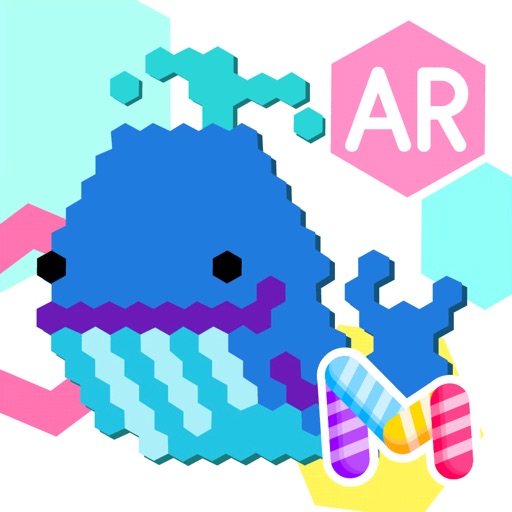
Create pixel art by tapping hexagons with colored pencils. Choose from a large library of images to color. Use freestyle mode for custom creations. Save and share artwork directly.
Create drawings using realistic pencils and marker pens. Listen to drawing sounds. Navigate an intuitive interface. Access eight free sketches for coloring. Explore related apps in the drawing series.
Generate high-resolution -style wallpapers and save them to the Photos library. Create static wallpapers with customizable filters and effects like contrast, brightness, and color. Share wallpapers directly from the .
Create artworks using a -by- format with a wide range of colors. Select and apply colors to numbered sections. Save and share finished drawings. Use magnet for interactive selection and creative expression.
Store videos and music in a secure vault with a PIN passcode. Play and manage media files directly within the . Access content privately without saving to the Photos library.
The app allows users to experiment with hairstyles and color variations. It features a simple interface, facial detection, and the ability to save and share results.