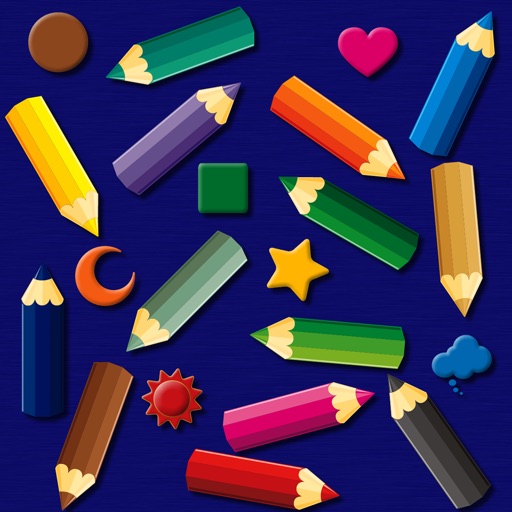
The app provides a simulated magnet board with 14 color pencils and 9 icons. Pictures can be erased by sliding a bar and saved to the photo library on iPad.
by bismark LLC★ 0.00 ratingsEducation$1.99Data updated 2026-09-14
Turn photos into paintings using preloaded styles and custom brushes. Adjust brush strokes with paint masks and save images with transparent backgrounds. Generate unique styles in Workshop mode and share or print finished artwork.
Watch videos with ads blocked and minimal skippable ads. Skip sponsor segments. Use picture-in-picture for multitasking. Play videos in background. View bullet comments and control playback with the play bar. Get instant AI-generated summaries.
The app offers over 350 hand-drawn pictures for coloring, supporting hand-eye coordination development. It automatically saves progress and allows saving finished pictures to the Photos library.
Play to fill the board with 9 different colors. Solve puzzles with 5 difficulty levels. Use full undo support. Mark answers or pencil marks with dual-keypad input. View beautiful graphics. No timers.
Clear the board by guessing words related to photos. Tap images to zoom in and find connections. Play in multiple languages including English, French, German, Russian, Italian, and Spanish. Offers a unique twist on word association puzzles.
Create art with customizable colors, brush sizes, and opacity. Import photos from camera or library. Save and share designs via social media, email, or SMS. Clear canvas for new creations.
The app simulates watercolor blending and spreading behaviors using fluid simulation technology. It supports techniques like wet-in-wet, wet-in-dry, dry brush, and dry on wet, along with pencil sketching.
Kids can color, draw, and decorate with various brushes, crayons, and pencils. They can use stickers and graphics of animals, vehicles, insects, fruits, and food from multiple galleries.
Create tattoos on photos with high-definition images. Select from various styles like dragon, color, love, and kanji. Apply effects and save or share directly. Choose photos from camera or gallery.
Teaches and through interactive using real-life objects. Includes puzzles and sorting activities. Encourages motor skills and hand-eye coordination. Allows parents to track progress and set learning goals.
Table tennis by sliding the screen to control both rackets with one hand. Adjust ball speed and color. Compete against another player in real-time matches.
Create and customize grids on images for drawing and painting. Place grids over photos to use as reference. Adjust size and spacing. Export layers for use in digital art tools.
Learn to with step-by-step guided tutorials. Follow demonstrations to replicate drawings. Complete drawings and add color. Access categorized lessons by difficulty level. Track progress through repeated practice sessions.
The app offers a tactical role-playing game with intuitive touch screen controls for map manipulation and unit selection. Loading times have been improved, and some cut scenes can be skipped.
Add stickers to messages by dragging the oval icon to the front or accessing the Messages bar settings. Include animated and static stickers. Share stickers with friends via message.
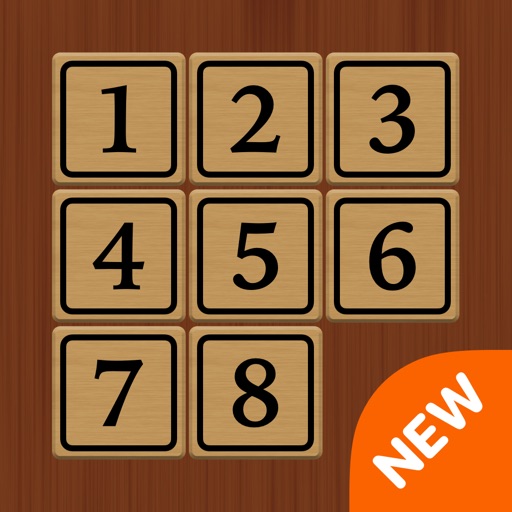
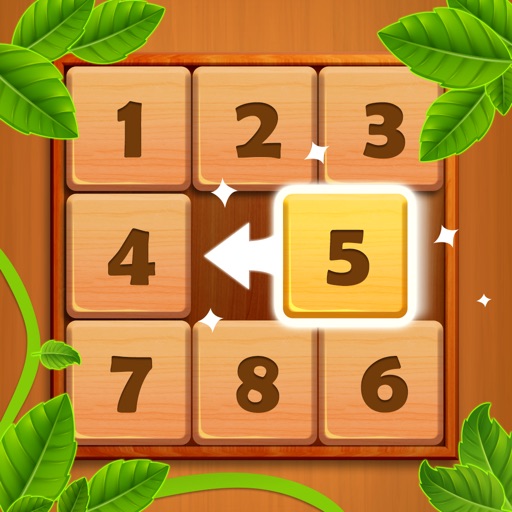
Solve puzzles by sliding tiles to arrange them in order. Choose from 4 modes and 30 levels. Use multi-touch to move multiple tiles. Access smart hints and view a global leaderboard. Toggle animations and timer. Support dark mode and social sharing.
Abc Vietnam telecommunication services company limited
Play blocks and slide to solve puzzles
Play -based sliding puzzles to challenge your brain. Rearrange blocks to reveal hidden pictures. Solve puzzles in different difficulty modes. Track progress and compete with others. Share achievements on social media.
Download video classes for drawing, painting, sewing, quilting, knitting, jewelry making, and more. Access project ideas and expert guidance. Track progress and manage subscriptions. Start a free trial to explore courses.