
Sunny the Bunny
Add stickers and customize your messages
Timothy Welman
iPhone Screenshots
Description
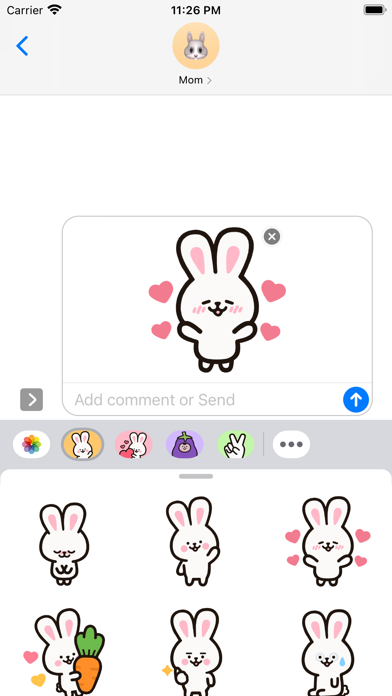
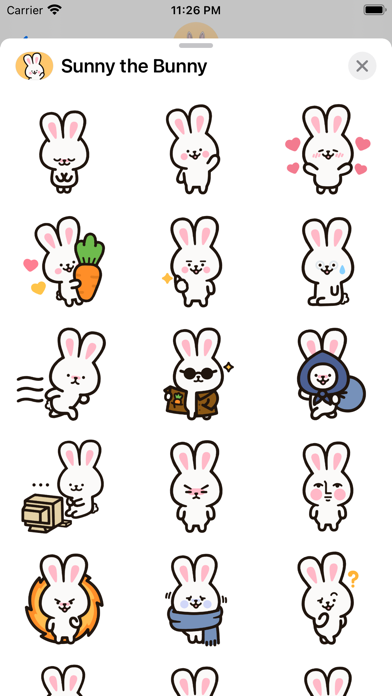
Add stickers to messages by dragging the oval icon to the front or accessing the Messages bar settings. Include animated and static stickers. Share stickers with friends via message.
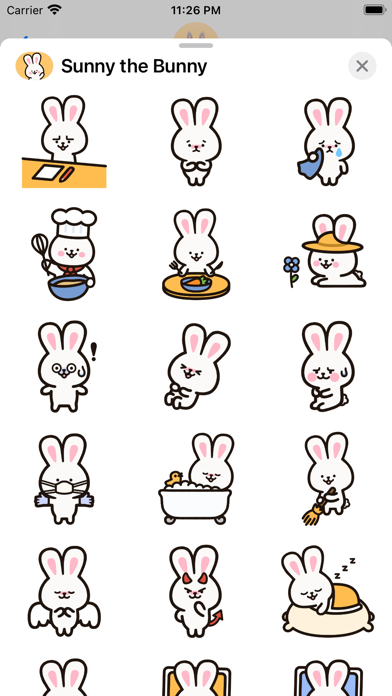
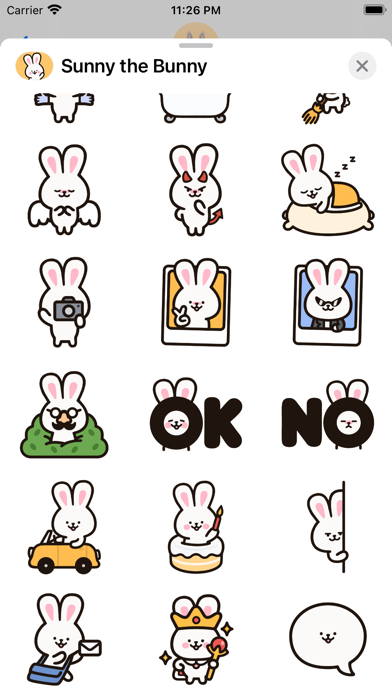
Sunny is one audacious bunny! She's not afraid to tell you what's on her mind, but she always knows where to draw the line. Some of her favorite things include hanging out with Honey the bunny, pursuing new hobbies, and making new friends. What adventures will you and Sunny go on?
To add this sticker pack to your favorites:
1. Hold and drag the oval sticker icon on the Messages app bar to the front.
or
2. Slide to the end of the app bar in Messages, press More (the ellipsis icon), Edit, and press the plus symbol on the left of the Sunny the Bunny app icon.
Drawn by Timothy Welman
@classyraptor - Twitter
@classyraptor - Instagram
@classyraptor - Tumblr
@classyraptor - Pinterest