The app replaces paper grading calculators with a flexible and convenient tool. It can be configured for hundreds of questions and displays grades as whole numbers or with one decimal place, showing the number correct, wrong, or both.
by Dryrain Technologies LLC★ 4.948,850 ratingsEducationFreeData updated 2026-09-14
Access school media, news, and athletic event details. View calendar events and school directory information. Navigate through content categories for updates and schedules.
Measure lengths in centimeters or inches by placing the iPhone beside an object and moving it while touching the screen. Use a long scroll ruler up to 120 cm or a stick ruler with two sliders for small items.
Perform calculations with binary, octal, decimal, and hexadecimal values displayed simultaneously. Enter and view hex codes and RGB values on the same screen. Display up to 19 decimal digits. Toggle conversion reset on or off.
The app allows visualization of number sequences for counting, comparing, adding, subtracting, multiplying, and dividing. Students can use whole numbers, fractions, decimals, or negative numbers on the number line.
Create and customize boards by adding or removing players and adjusting their details. Set player photos, names, numbers, and positions. Choose coat colors and use a drawing tool with adjustable line thickness and color. Save and share screenshots.
Convert currency between AUD and USD with real-time exchange rates. Set the number of decimal places for precision. Copy the converted amount to your clipboard for quick use.
Access schedules, grades, and announcements anytime
Access announcements, calendar events, student grades, and activities. View school communications. Log in to view personal information. Receive updates and manage events.
Allows conversion between Hex, Decimal, Octal, Binary, and Dozenal values. Features include large buttons for accurate input, a large display for readability, and gesture-based copy/paste functionality.
The app provides a people finder, dining information, shuttle locations, and campus news. Users can also access a campus map, class schedules, grades, laundry availability, events, videos, and emergency information.
The app provides step-by-step solutions for fraction problems, supporting mixed and improper fractions. It includes a quiz mode with adjustable difficulty and hints, and a decimal mode for calculator functions.
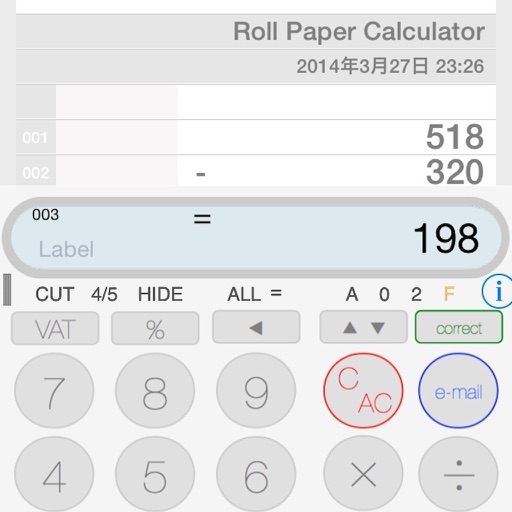
The app provides a calculator experience that replaces traditional functions with a new paper tape. Users can scroll the tape, touch earlier entries, and email calculation results.
Displays the current number of beats on your iOS device. Beats are a universal unit with 1,000 per day. It shows beats on the home screen and notification center. Users can calculate beats for any specific .
Access announcements, calendar, student grades, and homework. View family accounting details and make giving donations. Receive updates and stay connected with the community.
Stay updated with school news, announcements, and event calendars. Access student grades and attendance records. Receive notifications from the front office and classroom. View schedules and manage communication with educators.
The app provides access to college course information in one central location. Users can view grades, unread messages, videos, contact students, see course books, and email advisors.
Access school announcements, view the calendar, check student grades and homework, manage family accounting, and make donations. Receive updates and stay connected with the school community.