Track scores for games with customizable player names and team support. Adjust scores by tapping, undo changes, or have scores read aloud. Set final scores and support multiple scoring systems including five, three, or one.
Turn your iPad into a digital notebook for note-taking, sketching, and drawing. Capture ideas with pen-like precision. Customize colors with a 36-swatch palette. Annotate notes with photos and add handwritten text. Zoom in for detailed work.
Create detailed technical illustrations and artistic designs with vector editing tools. Draw, reshape, and color elements with precision. Import and export files in multiple formats. Use layers, masks, and effects for advanced design work.
Drive 2D cargo vehicles with realistic mechanics. Choose from trucks with varying load capacities and attach trailers or equipment like tipper, flatbed, tank, or fifth wheel.
Create with real-time stroke replication, including pen angle, thickness, and color. Access guided pages with font-specific instructions. Practice letterforms on virtual paper and export drawings.
Navigate through space rings and asteroid fields to earn points and collect rings. Glide through consecutive formations in frenzy mode for higher scores. Unlock new Planes, Trails, and Backgrounds as skills improve.
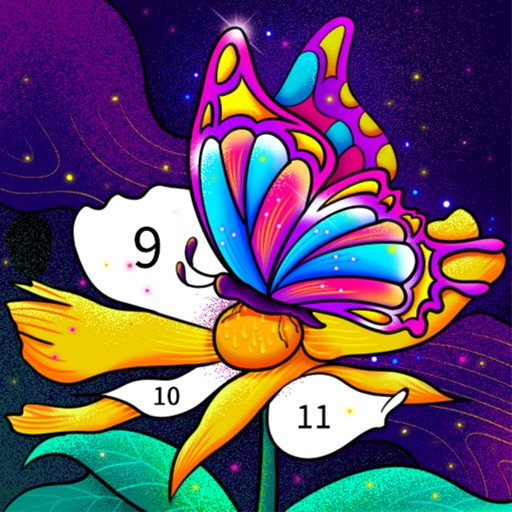
Color by number artworks can be selected and colored following numbered guidelines. Users can freely paint and save their creations. Artworks are available for free and can be explored in a casual drawing environment.
Drive buses through realistic city environments, manage routes and schedules, and handle passenger boarding. Customize vehicles with decals and paint jobs. Complete missions to earn rewards and upgrade equipment. Park cars in challenging scenarios.
Solve puzzles by screws and bolts into correct compartments. Navigate through mazes to unlock levels. Adjust difficulty settings and track progress. Unlock new challenges with each completed level. Use hints to guide through complex puzzles.
Select presets from brands like Prismacolor and Faber Castell. Import reference images to begin color picking. Choose from predefined sets including 150s, 132s, 72s, and 48s.
Take notes, draw charts and sketches, and annotate documents. Keep a diary or track tasks. Use AI assistant for brainstorming, completing assignments, and finding information. Export notes in multiple formats and share directly.
Draw sketches using brushes and tools with support for Apple Pencil. Create layered artwork and zoom for detailed painting. Import and export vector images in PDF, PNG, and JPEG formats. Use color or photo backgrounds. Save artwork for later.
Play as an to defeat enemies like skeletons, golems, slimes, goblins, ogres, and werewolves. Upgrade skills and weapons to enhance combat effectiveness. Explore dungeons and complete missions to progress through the .
Kids can color, draw, and decorate with various brushes, crayons, and pencils. They can use stickers and graphics of animals, vehicles, insects, fruits, and food from multiple galleries.
Over image templates with automatic pen tracking for accurate . Select from preloaded categories like animals, flowers, and vehicles. Choose from over 150 colors to customize drawings. Export final artwork in various formats.
Practice handwriting, draw spirals, strengthen motor skills
Practice handwriting with customizable drawing tools. Adjust painting speed for different skill levels. Use varied colors, thickness, and calligraphy effects to enhance motor skills and penmanship accuracy. Track progress through repeated exercises.
Create and color doodles with glow and neon themes. Choose from various coloring pages featuring princesses and accessories. Save and share completed artwork. Relax while engaging in creative and calming activities.