Take photos or load images from the library. Add handwritten notes and drawings. Apply filters. Enlarge images for detailed editing. Save original files and multiple sizes. Share via email. Paint on images without access.
by Hiroyuki Fushida★ 3.01 ratingsPhoto & Video$1.99Data updated 2026-09-08
The app allows users to take photos and add dimensions, angles, and text comments directly onto the images. Users can zoom for precision, organize photos by category, and export dimensions in high resolution via email or to the photo library.
Take square photos and view them immediately. Save images within the to keep the iOS photo library organized. Use pictures as memos without cluttering the main gallery.
Capture live photos with real-time filter preview. Apply 100+ trending during shooting or to video recordings. Choose 1.5s, 3s, or 5s durations. Save filtered Live Photos directly without post-editing.
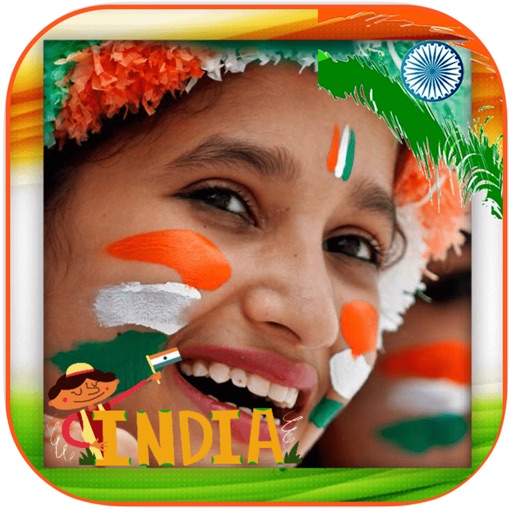
Edit photos by selecting from the gallery or using the camera. Apply multiple and effects. Adjust position, size, and angle. Save, share, or upload images to social networks like Facebook and Twitter.
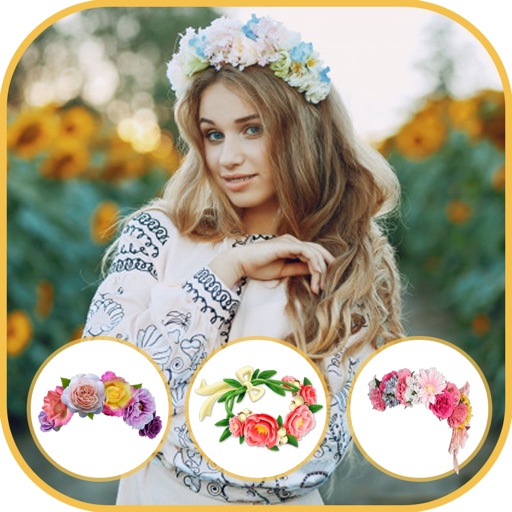
Choose from multiple creative to enhance photos. Select images from gallery or capture new photos. Apply effects for realistic results. Share via Facebook, Instagram, WhatsApp, and other social media. Save high-resolution images.
Edit photos with customizable romantic . Apply pre-designed themes for special occasions. Save and share edited images directly. Adjust frame styles and colors for personalization.
Edit photos by applying romantic from a gallery. Add text and filters. Resize or move images. Save edited photos. Decorate images with 3D for creative expression.
Take photos of projects and add captions and markups for documentation. Automatically geo-locate and organize photos across devices. Share project images instantly with team members.
Edit photos and videos with advanced tools including exposure, ISO, and white balance adjustments. Adjust focus, color grading, and apply filters. Export in various formats and share directly.
Allows users to convert images to black and white while emphasizing specific objects or colors. Users can open existing images or capture new ones with the camera. They can zoom and pan using two fingers or paint with one finger.
Automatically detects subjects and backgrounds to create bokeh effects. It applies Gaussian, motion, or zoom blur. Built-in filters enhance photos. No manual object selection is required.
The app converts photos to grayscale while allowing users to selectively recolor portions of the image. Users can paint, zoom, and erase to create unique color splash effects and share their creations.
Edit with film filters, light leaks, and grain effects. Apply motion blur and blur. Adjust colors using a magic color tool. Export edited images in various formats.
Edit photos with single-tap filters, brightness, opacity, contrast, blur, and focus adjustments. Rotate, crop, and resize images. Share to Facebook, Twitter, or Instagram. Save to photo library or send directly.