Take photos or load images from the library. Add handwritten notes and drawings. Apply filters. Enlarge images for detailed editing. Save original files and multiple sizes. Share via email. Paint on images without access.
by Hiroyuki Fushida★ 3.01 ratingsPhoto & Video$1.99Data updated 2026-09-08
Allows users to remove multiple photos and videos from their . Select items with a tap or swipe to quickly choose multiple files. based on time intervals or manually select specific files.
Create and edit PDF documents by adding text, notes, and drawings. Import images and PDFs from the file . Convert photos to PDF, duplicate, rename, and password protect files. Rearrange pages, search within PDFs, and share as PDF or image.
Create and share framed photos with religious and cultural decorations. Add greetings, wishes, and prayers to images. Customize with Islamic motifs and export edited photos to social media.
Object dimensions using phone and reference objects like credit cards or DVDs. Snap photos for accurate in-plane measurements. Add custom reference objects with known sizes. Export measurement data for later review.
The app offers tools to enhance photos with filters, adjust brightness, contrast, saturation, and warmth. It also provides options to crop, flip, rotate, and straighten images.
Take selfies with filters and skin enhancement tools. Edit photos with cropping, adjustments, and options. Record HD videos and apply color filters. Share edited content directly.
Add timestamps to photos with customizable styles and colors. Import images from your gallery to apply timestamps to past moments. Edit and share photos with added date and time details.
The app provides tools for photo editing and stop-motion video creation. Users can capture or load photos, apply effects, and arrange them to build stop-motion and time-lapse videos.
Edit photos by adding -themed like trees, presents, and Santa Claus. Select images from the gallery or capture new photos with the camera. Apply HD quality to enhance holiday pictures. Share edited photos directly.
Add cute and funny labels to photos of children. Edit images with customizable borders and stickers. Organize photos into albums and share edited content directly.
Edit photos with filters, , and cropping tools. Add text, stickers, and borders. Adjust brightness, contrast, and saturation. Export in various formats and share directly.
Add to photos or videos. Choose from over 300 sticker options. Crop and position within the frame. Share edited content directly. Apply to enhance visuals with a aesthetic.
Create comic books by selecting page templates or designing custom layouts. Add photos from the camera or album, or create drawings. Apply filters, balloons, stickers, and warped 3D lettering. Share completed comics with friends and family.
APPAS SOLUTIONS, SOCIETATEA CU RASPUNDERE LIMITATA
Capture low-light scenes with infrared and thermal
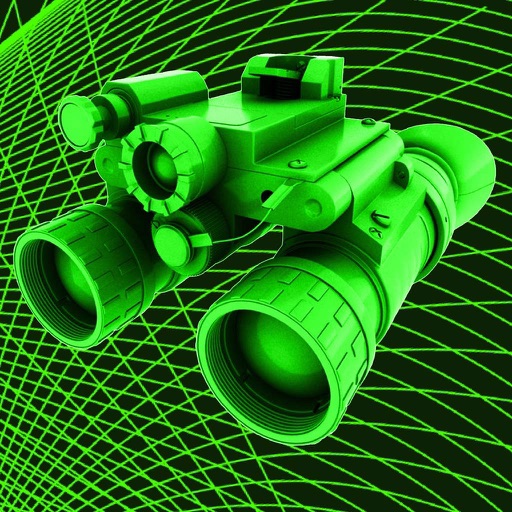
Take photos in low light using three modes. Capture infrared, X-ray, and thermal effects. Zoom in with binoculars and apply temperature effects. Adjust settings for optimal visibility in environments.