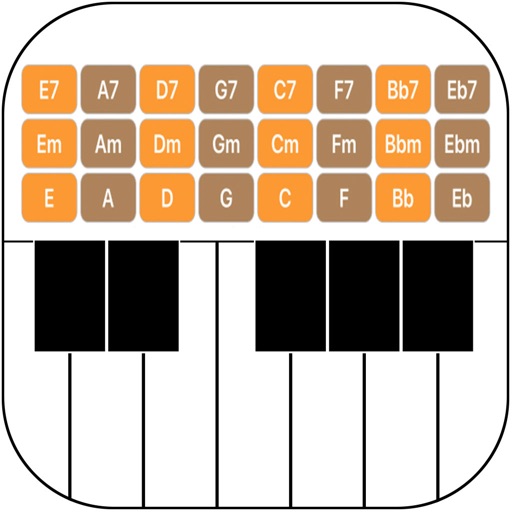
This app helps songwriters find chords to match melodies. It offers a chord progression function and scale library, supporting iPad Slide Over and Split View for appropriate display and operation.
by Hidenori Matsuoka★ 3.03 ratingsMusic$2.99Data updated 2026-09-14
The app identifies chords and scales, displaying their construction on a grand staff. It offers fingering, relative scales, and compatible chords, aiding composition and practice with a chord progression builder.
Create and arrange melodies, bass lines, and drum beats by moving dots on the screen. Switch chords and patterns instantly. Apply delay and reverb effects to instruments. Tap or drag to build sequences. Sync with AirPlay for playback.
Play piano melodies by tapping on-screen keys. Access a library of preloaded songs. Follow along with visual feedback. Adjust volume and playback speed. Save progress and replay sessions. Share performances via social media.
Train musical skills with interval, chord, and progression recognition exercises. Customize training sessions. Set practice goals and track progress. Receive instant feedback on answers. Export results for review. Sync progress across devices.
Learn music theory with lessons on seventh chords, embellishments, and secondary chords. Explore minor harmony, modes, and modal mixture. Access tactics used by artists like The Beatles and Michael Jackson.
Music with interactive lessons and light-up keyboard
Piano through interactive lessons and exercises. Access a library of songs and lessons. Use light-up keyboard feedback to guide playing. Track progress with visual indicators. Sync with Piano for real-time response.
Create and edit songs by dragging and dropping chords. Transpose songs to any key. Generate print-ready PDFs. Analyze and display fingerings for chords, scales, and arpeggios.
The app provides a practice tool for learning musical chords and scales. It answers questions about notes, scales, and chords in various musical contexts.
Displays triads of any musical scale visually. Users can explore chord progressions using the Circle of Fifths. Select a tonic to view chords in degrees or notes. Study and apply harmonizations directly within the .
Play multiple instruments simultaneously using MIDI Polyphonic Expression. Access 8 layouts with multiple rows and octaves. Choose from 15+ scales. Use a powerful arpeggiator. Operate as a standalone device with multiple keyboards.
Arc+ calculates radius, length, width, height, and tangent by inputting two known values. Converts between measurement units. Saves results to a favorites list and shares them with others.