Control music playback on Windows Media Player and Winamp from an iPhone or iPod. View current song and playback status. Adjust volume, mute, play, pause, and stop tracks. Remote access for music playback from another room.
by Tomer Shalom★ 4.99 ratingsEntertainmentFreeData updated 2026-09-08
Playlists and content lists from user-curated sources. Display and organize content using EPG data from API or xmltv. Stream media via supported APIs including stalker, Xtream-Codes, M3U URLs.
Backup and access files from Windows or Mac devices. Automatically back up photos and videos to the cloud. View and manage stored documents, music, videos, and images. Upload media directly to the account.
Organize and manage digital media content with custom playlists. Play videos in supported formats like M3U, XC, and 1-Stream. Enable offline viewing and background downloading. Access improved "My TV Account" features.
Play audio and without requiring an account or subscription. Customize the interface with unlimited color options. Keep videos visible on the screen while using other apps. Continue audio playback when the is in the background or locked.
Track listening habits to identify frequently played and rarely played songs. Discover new artists and albums based on playback data. Automatically sync current songs with one tap using six different modes.
Play two different simultaneously from one device. Switch between tracks, adjust volume for each stream, and control playback settings independently. Sync paired devices for shared listening.
Play local and cloud-stored . Add or remove songs from a device. Create unlimited playlists. Control playback in background. Sync with computer for file transfers. Support for iPhone and iPad devices.
Control playback by browsing music libraries and playlists. Adjust volume and navigate tracks. Access control features across the room or within the same wireless network.
The app provides remote monitoring and control for Retrospect backup servers. Users can view reports, activities, past backups, scripts, and more on their iPhone or iPad.
Play and listen to LDS music library content, including General Conference music, hymns, and children's songs. Create custom playlists to organize favorite tracks. Stream audio directly from the library.
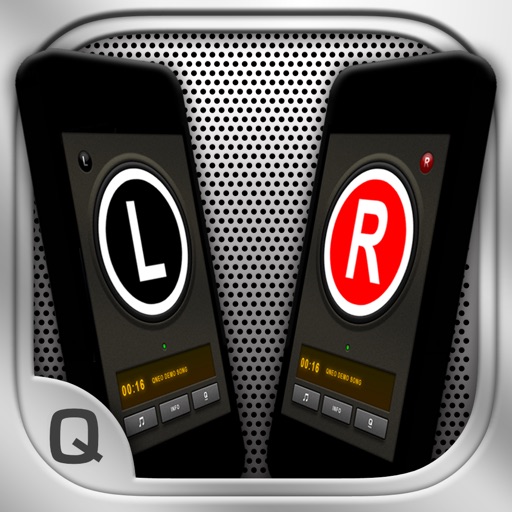
The app allows users to create a wireless stereo speaker system using two iPhones or iPads. It enables live audio streaming between devices and offers adjustable stereo effects, with optional double-display skins and beat-synchronized visuals.
Manage and play music with unlimited access to stored files. Sync and share music across devices via cloud or Wi-Fi. Create and organize playlists. Control playback with skip, repeat, and shuffle functions.
Stream media content directly from a browser without requiring a third-party player. Access files stored online. No installation needed for playback. Users must provide their own media content.