
iPhone Screenshots
Description
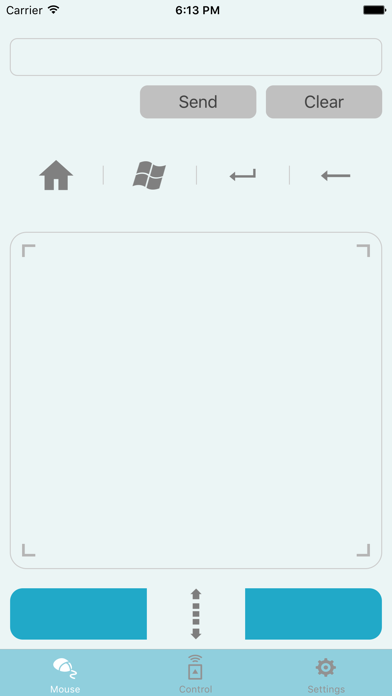
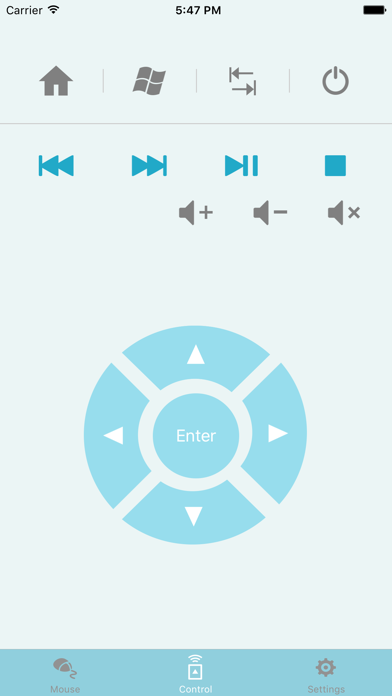
The ASUS VivoRemote app lets you use your mobile device as a keyboard remote for your VivoStick PC. This intuitive app lets you control VivoStick PC via Wi-Fi and features the following:
1. Remote Keyboard & Mouse:
Use your smartphone as a wireless keyboard and mouse.
2. Hot keys:
Home/Windows start menu/Tab/Enter.
3. Media control
Local media playback and voice controls
4. ASUS Launcher Shortcut
Customize your experience with categorized folders and shortcuts to open files or execute commands
Note:
1. Ensure to install VivoRemote Center software on ASUS VivoStick PC.
2. Ensure to install VivoRemote on your smart devices.
3. Ensure to set up the Wi-Fi connection for your PC and smart devices.