
Apps Like FingerCAD for iPhone and iPad
Technical drawing with fingers assisted computer.
The app allows users to draw technical designs on portable devices. Users can save designs in standard formats and send them via email or print them.
FingerCAD screenshots
Ranked alternatives
Showing 341–360 of 1,000 ranked alternatives.



Paint - Draw & Sketch
abedalkareem omreyh
And anywhere with your Apple Watch
And on your Apple Watch with customizable brush sizes and blur radius settings. Access a large color palette and save or undo changes. Delete drawings as needed.



PARTsolutions
CADENAS Konstruktions-, Softwareentwicklungs- und Vertriebs GmbH
Visualize system environments on mobile devices
View 3D models of parts and search for components within the system. Access system data for research purposes. No CAD data download available due to lack of CAD support on mobile devices.

Palette MOVE
Palette CAD AG
Explore 3D scenes and rotate models
Explore 3D scenes for bathroom design, furniture, and fireplace layouts. Rotate and view 360° panoramas. Zoom in and out for detailed inspection. Interact with sample scenes to visualize spaces.




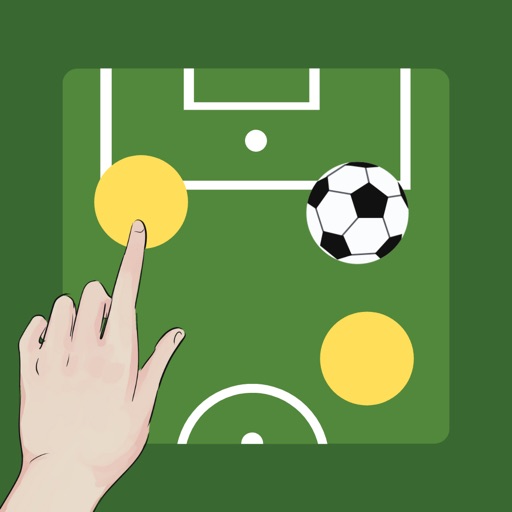
Simple Soccer Tactic Board
NAOYA ONO
Manage players, set positions, track game setup
Create and customize boards by adding or removing players and adjusting their details. Set player photos, names, numbers, and positions. Choose coat colors and use a drawing tool with adjustable line thickness and color. Save and share screenshots.


Incident Responder
Fred Ehnow
Track incidents and update status
Manage emergency incidents with real-time updates and communication. Access CAD system data through email integration. Log details, share reports, and coordinate with team members during responses. Track status and receive alerts for new dispatches.


Absolute Board
Hyeoseong Hwang
Sketch and take notes easily.
The app offers unlimited board size and color choices for pens and backgrounds. Users can import photos, print snapshots, and utilize undo/redo functions.
How we rank alternatives
Apps are ranked by functional similarity, category fit, rating confidence, and popularity.