Create art by writing your and applying a focus filter. Add text and artistic elements to design a painting. Save or share the artwork as a profile picture, banner, or social media message. Customize the canvas with various styles and colors.
Create Minecraft skins with detailed HD (128x128) customization. Select and combine clothing items including shirts, jackets, hats, and accessories. Add facial features, hair, and eye details. Draw precise details for enhanced customization.
The app provides a roulette wheel for users to draw numbers. Spinning the wheel builds tension for games with friends or for drawing winning numbers for lotto.
The app offers 50 challenging levels with hidden pictures and words to reveal. Users can use attention, logic, and deduction skills to guess solutions, with hints and special powers available.
Browse and share , , photos, and gifs. Post original content and interact with followers. Search for humor based on situations. Share content directly in messengers without links. View trending and user-generated content.
Use the camera to apply neon paint effects to face. Share the result with friends or save it as a photo. Adjust colors and brightness for different looks.
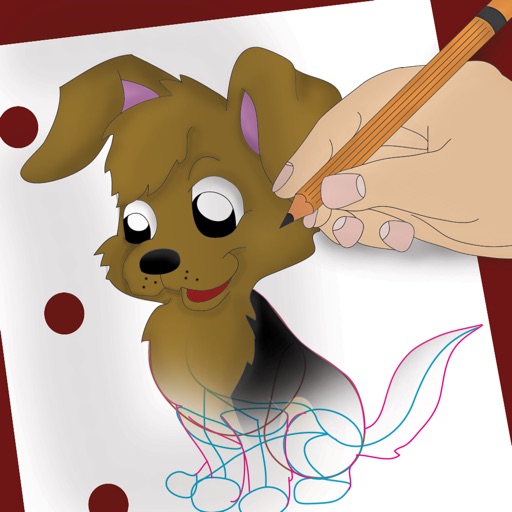
Draw and color characters directly on the screen or with a pencil on paper. Access a public gallery to share art. Follow step-by-step drawing guides. Color pages with solid or gradient colors. Color pixel art by numbers.
Edit photos with filters, effects, and text tools. Add stickers, shapes, and draw over images. Adjust colors, lighting, and focus. Crop, resize, and enhance details. Apply tone curves and retouch features. Export and share edited photos.
Create collages by combining multiple images. Choose from customizable layouts. Add text or comments. on images. Rearrange or move photos. No ads. No internet required. Works on iPhone and iPad.
Create art using realistic and watercolor effects. Draw with tools like marker, airbrush, crayon, and eraser. Apply fluid-based watercolor effects in the full version. Adjust colors and blend textures for detailed illustrations.
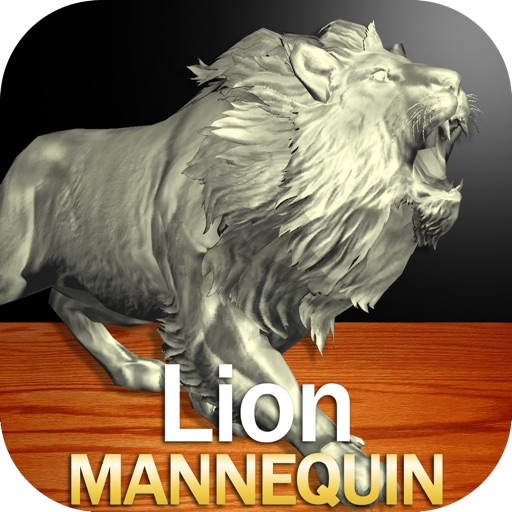
Draw a in any pose by adjusting joints and limbs. Use poseable models and reference tools for accurate positioning. Apply skins for detailed textures. Customize camera angles and backgrounds.
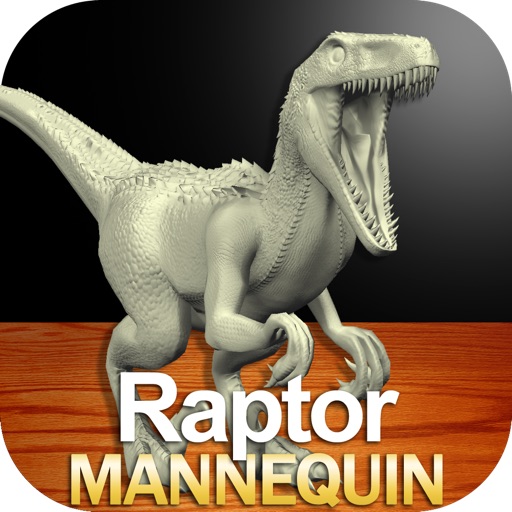
Create detailed drawings of a with poseable limbs and adjustable joints. Use reference tools and skins to enhance realism. Adjust camera angles and select from various backgrounds and platforms. Animate natural movements for accurate posing.
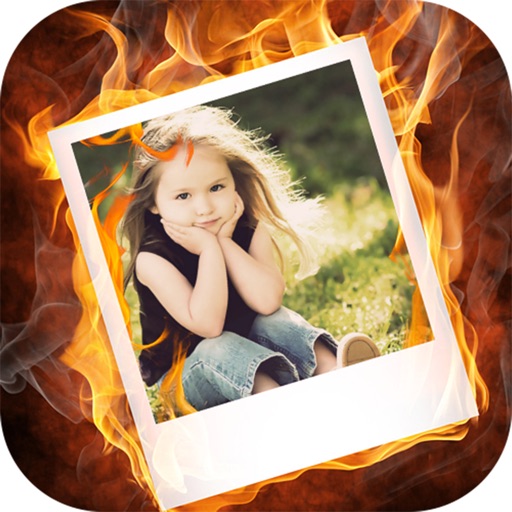
The app offers nearly 500 photo effects, including montages, filters, and frames. Users can apply effects, add text, and share creations to social media or messaging platforms.
Play a game where users remove plaque, fill cavities, and fix broken to help patients. Earn coins to decorate an aquarium with shells, plants, and fish. Track progress and improve aesthetics through collected rewards.