Apps Like Animation & Drawing by Do Ink for iPhone and iPad
Create animations with vector drawing tools.
The app provides vector drawing tools and flipbook-style animation. Users can create frame-by-frame animations or single-frame vector artwork with various drawing tools and shape options.
by DK Pictures, Inc.★ 3.772 ratingsEducation$4.99Data updated 2026-09-13
Teaches phonics, letter names, and spelling in Castilian or Latin American through interactive word books. Includes to develop observational skills with shape and frame tray challenges. Offers a star reward system to motivate learning.
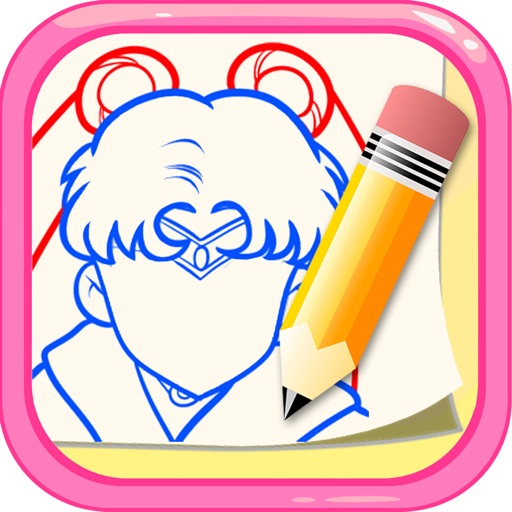
Learn to draw cartoon characters starting with simple shapes like circles and rectangles. Follow step-by-step guides to color line drawings using various brushes. Access templates for food, fairytale characters, and more.
Simulate milling operations in 2.5D with G and M code support. Edit and run G0 to G95 codes. Use radius compensation G41/G42. View sharp vector graphics and zoom. Access multiple languages. Track tool paths and machine movements.
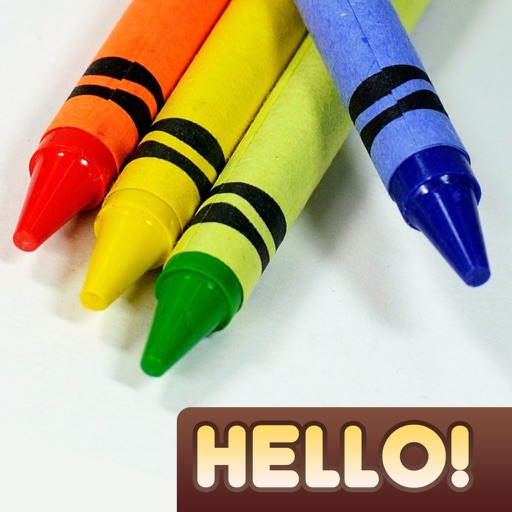
Create drawings using realistic crayon and marker pen tools. Listen to drawing sounds. Navigate with an intuitive interface. Access eight free coloring pages for practice. Explore related drawing apps for different mediums.
Create stop motion animations with frame-by-frame control and variable frame rates. Delete single or all frames, play loops, and preview frames. Save animations to Camera Roll or email as flip book images.
Allows children to draw using color selection, shape tools, and an eraser. It plays with each stroke and includes a random color option. Users can change line thickness and save drawings.
Create drawings by following guided steps. Choose colors and shapes. Guess what the drawing represents. Share creations with family. Explore a colorful, interactive environment for creative play.
Create fluid ink paintings with finger swipes. Use tapered brushes for organic line effects. Overlay strokes for layered artwork. Practice minimalist and painting techniques.
Explore graphical solutions to ordinary with interactive activities. Input custom or use preloaded examples. Plot vector fields and solutions for multiple initial conditions. Solve systems of up to six dynamically.
Create drawings with a variety of colors and brushes. Select from pre-designed templates and characters. Add animations and sound effects. Save and share artwork directly.
To cute art with step-by-step lessons. Choose from categories like smilies, food, fruits, and trees. View drawings in list or grid format. Follow detailed instructions to create each illustration. Save and share completed drawings.
Simulate electronic circuits with engine and virtual instruments. Add components to a breadboard and connect them. Analyze signals using oscilloscope and logic analyzer. Export simulation data. Create or customize electronic parts.
The app teaches children to identify, write, and count numbers one through ten using seven interactive numeracy games. It includes tracing, drawing, and counting activities with animations and rewards.
Draw on a using colored chalks with adjustable brush size. Enable chalk brush texture for realistic feel. Create unlimited blackboards with three background styles. Share drawings via email.
Create animations using 3D blocks in a 20x20 grid. Design up to 6 frames for short loops. Save and share animations. Practice character design for Minecraft skins or create retro game sprites.
Create 3D art using step-by-step tutorials. Access a large collection of drawings and techniques. Learn without prior skills through self-guided lessons. Practice drawing various styles. Export and share finished artwork.