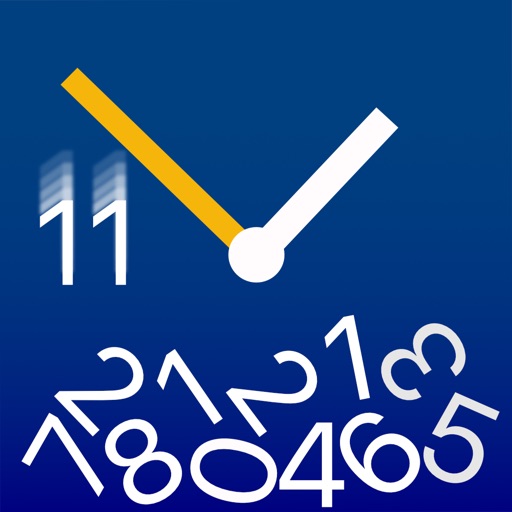
Visualizes time by simulating , where numbers fall and are buried as time passes. Users can watch the face change dynamically with each second. The offers a realistic physics-based animation of time progression.
by joerg piringer★ 4.818 ratingsLifestyle$0.99Data updated 2026-09-29
Pair with a Philips Bluetooth shaver for real-time guidance during . Adjust settings for skin sensitivity and shave direction. Track beard growth with weekly progress photos. Access tutorials on beard and skincare routines.
Fetches accurate time from an server. Automatically detects and adjusts to your time zone. Allows users to set custom images as background. Switch between digital and analogue views by swiping.
Track practice sessions with a timer. Use audio and visual feedback. Adjust tempo and beats per minute. Save and recall custom settings. Sync with Apple devices for accurate timing.
Displays time in format using an design. Allows customization of settings to aid in reading numbers. Can be set as a screen saver during iPhone or iPod charging.
Displays the current time and date in large, readable text. Swipe up to access settings. Choose between 12-hour and 24-hour time format. Select date display options. Toggle visibility of the date and seconds.
The app displays the passage of time on the desktop with 3D graphics and effects. It offers multi-monitor support and a screen saver mode with password protection.
Control adjustable power base settings from iOS devices. Set unlimited programmable positions. Combine positions with massage settings for comfort. Save routines with timed sequences. Set alarms for scheduled wake-up times.
Set alarms with custom ringtone, music, or news updates. Choose recurring or one-time alarms for specific days or holidays. Select radio stations or podcasts for wake-up audio. Adjust settings for country and station preferences.
Turn your Apple device into a showing seconds, date, and battery percentage. Customize the clock face with colors and display options. Supports portrait and landscape orientations for flexible use.
Browse classified ads for second-hand items, apartments, jobs, and more. Post free listings with photos and details. Search by category, location, and price. Message sellers and view contact info.
Displays time in 24-hour or AM/PM format with optional date display. Users can customize colors, fonts, and screen orientation. It includes brightness control, sleep reminders, and battery status.
Set time with quick selection of time and sound. Snooze for 3 to 30 minutes. Choose vibration or fade-in . Set sleep timer with background music. Switch between 12-hour and 24-hour formats. Use vertical or horizontal display mode.