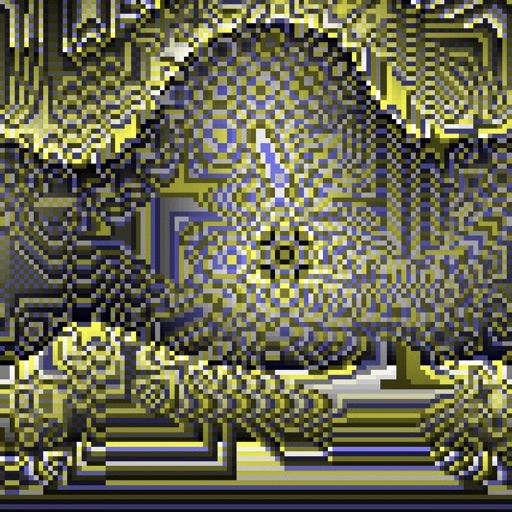
Create evolving shapes and color fields by touching and shaking the screen. Explore color noise, liquid merging, and spastic color bars. Capture screenshots of generated artwork.
by Coffeeshopped LLC★ 4.754 ratingsEntertainmentFreeData updated 2026-09-08
Create images by arranging words into predefined shapes. Customize with color themes, fonts, and layout options. Adjust text processing to highlight frequently used words. Export and share the final design.
Play a rhythm-based game by tapping only black while avoiding white ones. Customize playlists, choose from multiple color themes, and select from over 35 game modes. Features include soundtracks and smooth gameplay.
Arrange colorful blocks on baseplates to cover them completely. Select from various shapes and colors. Complete levels with unique baseplate layouts. Solve puzzles by strategically placing blocks. Track progress through different challenges.
Create intricate tessellations and mandalas using 20 symmetry options. Draw with customizable colors and patterns. Adjust symmetry settings to design complex shapes. Save and export artwork in various formats. Share creations directly from the .
Play a simple puzzle game by colors and selecting correct answers. Navigate through hundreds of stages. Play in short sessions during free time. Touch to start and progress through increasingly challenging levels.
Edit videos and photos with VHS effects, including color compression and signal noise emulation. Apply various filters for different styles. Export edited content in multiple formats and share directly.
Sort and stack colorful hexagon blocks using drag-and-drop controls. Adjust tile positions to match color patterns. Receive feedback with dynamic sound effects and visual cues. Track progress through levels and challenges.
Watch live shows and access RMG Plus subscription content. View free highlight clips. Manage subscription payments and settings. Stream content offline when available. Receive notifications for new episodes and updates.
Children can draw and color using 8 different brushes including crayon, pencil, paintbrush, paintball, chalk, sponge, stickers, and stars. They can choose from over 100 pages. The includes fun effects, sounds, and stickers to enhance creativity.
Draw with pencil, brush, eraser, marker, and pen. Customize brushes with texture and fill colors using a bucket tool. Add text and shapes to drawings. Change backgrounds with color, texture, or images. Use grid for guidance and mirror for faster .
And videos to obscure specific areas or entire footage. Adjust shapes, trace with finger, or auto- faces and cars. Process audio and change speed. Create fluffy effects.
Add multiple decorated texts to photos with various fonts and styles. Adjust color, size, and shadow. Add outlines and reposition texts. Save the edited .
Match colored soda bubbles to fill glasses and progress through levels. Tap to swap bubbles and create matching sequences. Unlock rewards with successful combinations. Track progress and view high scores.
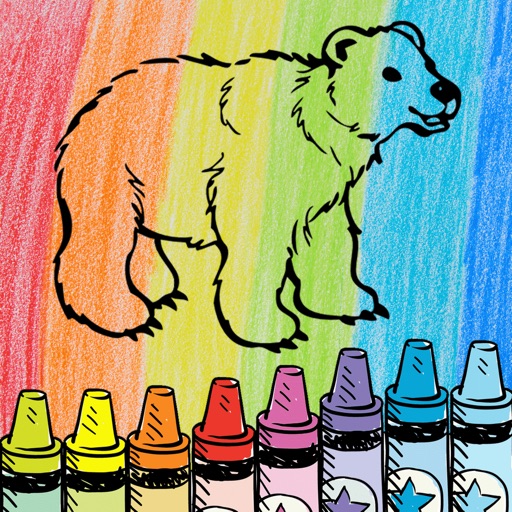
The app offers a digital coloring experience with over 120 free animal pictures. It features a stay-in-line brush, nine brushes for painting and drawing, and 50 pattern brushes for a unique coloring book and drawing pad.
Merge faces to create humorous mixed images with friends, family, or celebrities. Adjust facial features and proportions. Share results via email, MMS, Facebook, or Twitter. Use preloaded example pictures or upload photos.
Play a -breaking game with 4 or 5 pegs. Choose if colors can repeat in the . Set the number of attempts allowed. Sync with Game Center to track scores and compete.
By puzzles let users fill in numbered sections to create images. Choose from nature, mandalas, animals, and other themes. Save and share completed artwork. Access a library of pre-designed puzzles.
Edit photos with painting effects, filters, and artistic styles. Apply customizable brush strokes and color adjustments. Save and share edited images directly.
Create mixtures by dragging and dropping basic colors onto a canvas. Combine RGB, black, white, or other hues to form new shades. Match resulting colors to pieces displayed above the screen.
Create and explore evolving visual environments with touch interactions. Save screenshots, change colors with double taps, clear the screen by shaking, and customize shapes and modes through controls. Use personal photos to enhance creative play.