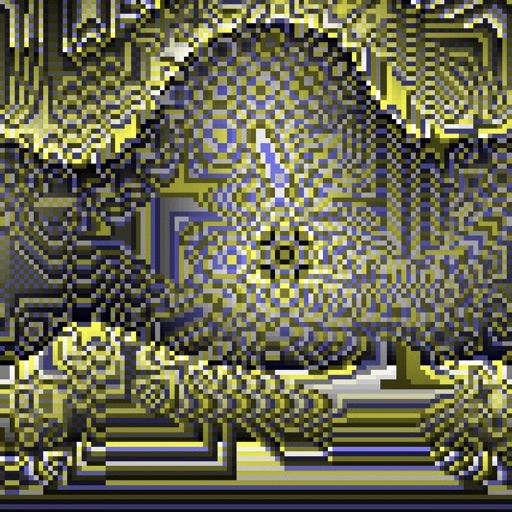
Create evolving shapes and color fields by touching and shaking the screen. Explore color noise, liquid merging, and spastic color bars. Capture screenshots of generated artwork.
by Coffeeshopped LLC★ 4.754 ratingsEntertainmentFreeData updated 2026-09-08
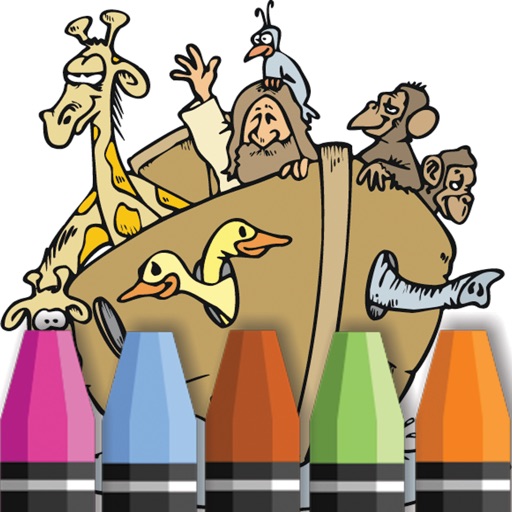
Book allows users to color illustrations of animals and characters. Select colors and tools to fill in pages. Save and share completed artwork. No internet required for gameplay.
Create baby faces by combining facial features from parents, friends, or celebrities using AI. Adjust and blend features to design unique baby portraits. Share generated images directly.
Create and share sketches with realistic brush strokes and modeling effects. Study forms, shapes, and architecture. Save drawings to photo library or social media platforms like Twitter, Facebook, and Sina Weibo.
Allows children to color and draw using a variety of templates and tools. Features include adjustable brush sizes, color palettes, and undo functions. Users can save and share artwork.
The app reproduces a tapered mirror system kaleidoscope. It draws chromatic aberration of light for realistic images and applies real-time color filters.
The app allows users to place stickers of various sizes on over 20 backgrounds. Users can also color pictures with a crayon tool, add text, and save or share their creations.
Create custom shapes of any size and rotate them freely. Apply paint shots to color the Pop It and add sound effects. Save and share screenshots with friends. View 3D graphics and interact with unique color options.
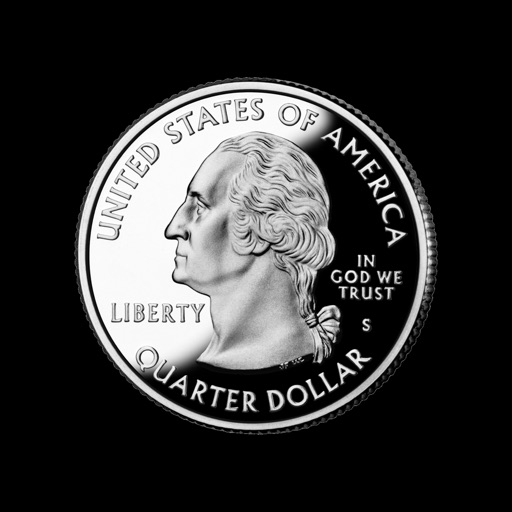
The app provides a coin flipping simulation for iPhone, iPod touch, or iPad. Users can shake the device or tap the coin to get a random result of heads or tails.
The app offers layer-based photo editing with unlimited layers. Users can add textures, typography, artwork, masks, and adjustments to personalize images.
The app trains reflexes and visual speed by having users touch colors as fast as possible. Users select a color, remove its boxes, and proceed to the next color until the board is clear.
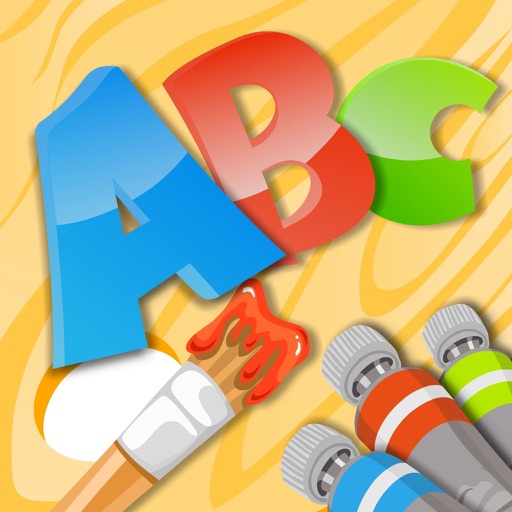
Pages allow users to learn English through interactive images. Users can select from 26 different illustrations to color. Completed drawings are saved automatically.
Create art by selecting colors and adjusting brush settings. Draw on a -like surface where flows and shifts. Manipulate to blend colors or form shapes. Use the dynamic behavior for creative expression and artistic experimentation.
Pages are generated uniquely for each session. Users can select from various -themed images with customizable accessories. Apply magical effects and choose from vibrant colors. Save and share completed artwork. No internet connection required.
The app offers a simple and nice design for users of all ages to enjoy. Users can choose colors, patterns, and brush types to color drawings and clear the canvas.
Sort colored into matching vials by color. Complete levels by matching all colors. Tap to pour and drag to move liquid between vials. Track progress through increasing difficulty levels.