Create evolving shapes and color fields by touching and shaking the screen. Explore color noise, liquid merging, and spastic color bars. Capture screenshots of generated artwork.
by Coffeeshopped LLC★ 4.754 ratingsEntertainmentFreeData updated 2026-09-08
Rotate to match three or more of the same color. continuously appear and increase in speed and variety with each level. Use Digital Crown on Apple or buttons on iPhone to rotate. Track progress and compete with others.
The app offers customizable alarm features with over 175 background images and 10 color themes. Users can select their own music from their device's library as the alarm sound.
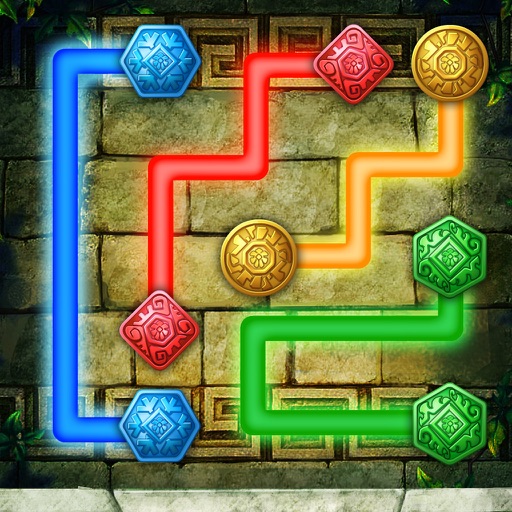
The app presents a puzzle game where users connect matching color balls with pipes. The objective is to pair all colors and cover the entire board to solve levels without pipes crossing or overlapping.
Create interactive light effects with customizable animations and touch responses. Adjust colors, brightness, and motion patterns. Share creations via social media or email. Sync with Apple devices for full-screen display.
Create collages by adding photos from the library or camera. Choose from multiple frames like heart, round, and star. Adjust photos by moving, pinching, and rotating. Select different backgrounds or use a photo as the background.
Turns your iPhone into a moo box. Users can flip, shake, or touch the screen to trigger realistic moo sounds. The provides interactive sound effects with simple gesture-based controls.
Play by swiping left or right to move the player ball. Drop the ball on matching colors to trigger blasts. Connect similar color balls to the player ball for power-ups. Blast as many opponent balls as possible.
Create graffiti art using realistic cans in various colors and sizes. Choose colors and sizes to paint on a virtual wall. Delete or undo drawings. Share artwork with friends.
The app allows users to create custom coloring pages by selecting characters and adding various features and stickers. Users can then color their creations using a wide selection of colors and tools, with options to save and share their artwork.
The app is a bitmap image editor for creating custom glitch effects. Users can layer filters, pixelate images, adjust color and orientation, or apply multiple filters at once.
Visualize sound with real-time graphics that respond to music, speech, and ambient noise. Customize color themes and select from multiple styles. Use the microphone to capture and display surrounding sound waves.
The app transfers colors from one photo to another, allowing users to discover new color combinations. It harmonizes a group of photos to have the same tone, and results are saved at original resolution.
Color scenes, unlock puzzles, play with characters
Kids can color favorite characters and scenes from the . Turn images into puzzles and unlock interactive elements. Choose from various colors and effects. Save and share completed artwork.
Save patterns, control lighting programs, set on/off
Control and customize holiday lighting with color mixing and motion settings. Save favorite patterns for quick access. Schedule automatic on/off times for your lighting system.
The app allows users to create collages on square backgrounds and add text. Users can choose backgrounds, add pictures, and modify text properties like font, size, color, transparency, and rotation.