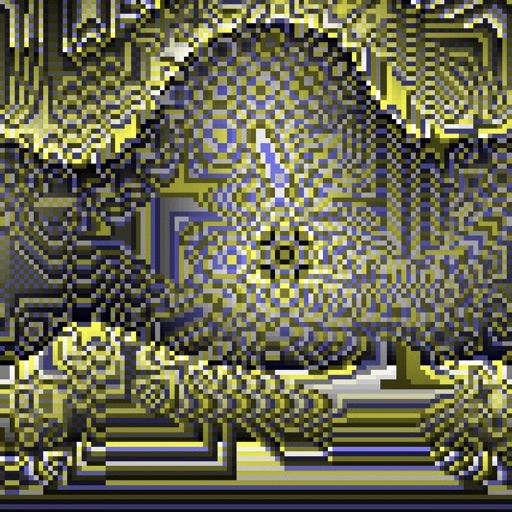
Create evolving shapes and color fields by touching and shaking the screen. Explore color noise, liquid merging, and spastic color bars. Capture screenshots of generated artwork.
by Coffeeshopped LLC★ 4.754 ratingsEntertainmentFreeData updated 2026-09-08
Create and scan a chart to generate a palette. Use the smart to select accurate colors for drawings. Mix colors to achieve desired shades and save palettes for future use.
The app provides a dining invitation by shaking the user's iPhone to ring a bell. Users can change the pitch of the sound and the bounciness of the clanger to create personalized sounds.
Creative drawing studio allows children to draw and color with various tools and colors. Puzzle games let kids match shapes and patterns. Pixel art lets them create images by filling grids.
Create art using biological simulations and reaction-diffusion patterns. Apply 40+ presets to generate natural-looking designs. Manipulate parameters to adjust patterns dynamically. Export artwork in various formats.
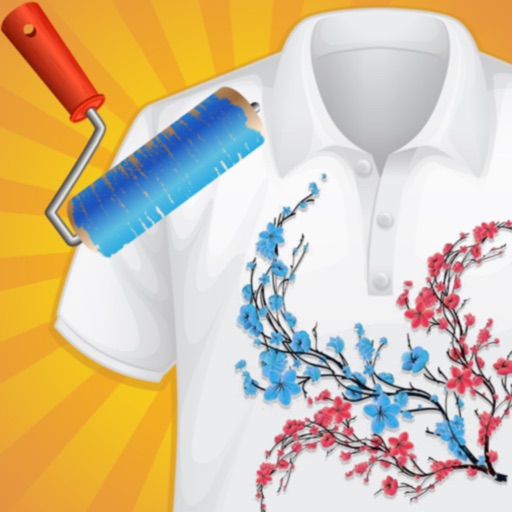
Create custom -shirts by selecting and applying colors to designs. Draw on shirt templates to personalize artwork. Save and share finished designs. Explore various tie-dye patterns and color combinations.
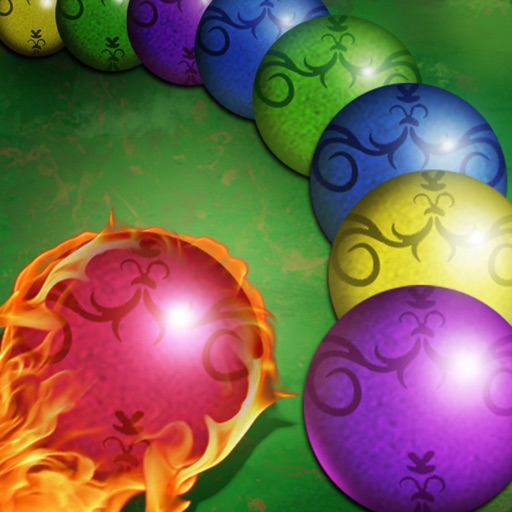
Shoot marbles to match three or more of the same color and eliminate them. Clear the chain to progress to the next level. Create combos and chains for higher scores. Tap the screen to launch marbles and aim accurately.
The app allows users to create flipbook-style animations using touch drawing tools. Users can adjust brush width and color, manage animation frames, and save their creations.
Kids can color illustrations with touch-screen tools, select from multiple colors and brushes. on provided templates, save or share completed artwork. Listen to sounds and animations, follow drawing lessons to improve fine motor skills.
Color pictures with a wide range of colors and tools. Draw on blank pages using realistic painting features. Access a variety of pre-designed images for . Zoom in and out easily. Watch video replays of drawing sessions.
Play by merging and stacking hexagon tiles to colors. Match tiles on octagon gradients to clear levels. Track progress and complete challenges to improve -solving skills.
Create melodies by tapping on animated shapes that produce sounds. Customize rhythms and patterns. Adjust volume and playback speed. Share creations directly from the .
The app offers family-friendly coloring scenes and characters with Retina Display graphics. Users can color ready-made drawings or use photos from their device, with features like color-in-the-lines and a paint bucket tool.
Try different hairstyles and colors to preview looks. Upload photos to apply styles. Choose from various hairstyles and color options. Create custom colors and add meches. Share edited images with friends.
The app offers a challenging game experience with sound and animation options. It automatically exchanges the first player after each play and supports undo functionality and background color changes.
Control PTZ cameras with exposure and color settings. Adjust pan, tilt, and zoom using variable speed touch controls. Switch between up to eight cameras and save 16 recall positions per camera.
Edit and enhance grayscale photos with 20 predefined presets and custom adjustments. Apply vignette effects and modify color channels. Save personalized presets. View and share monochrome images directly.