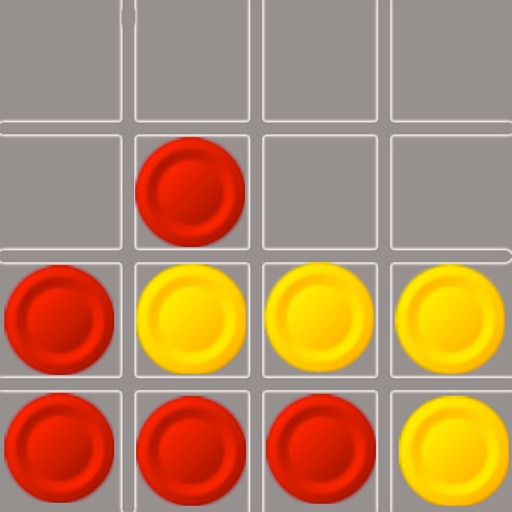
The app offers a challenging game experience with sound and animation options. It automatically exchanges the first player after each play and supports undo functionality and background color changes.
by AOBO Co.,Ltd★ 2.816 ratingsGamesFreeData updated 2026-09-11
Play against another player via Bluetooth in human-to-human mode. Use advanced mathematical algorithms to enhance gameplay. Track moves and analyze strategies during matches.
Play with customizable card styles and options to draw one or three cards. Use unlimited undo and hints. Complete daily challenges to earn crowns and trophies. View leaderboards and auto-complete solved games.
Play against a computer or another player. Customize game settings. Use high-quality graphics and sound effects. Save game progress. Challenge friends or play solo. Track move history and game statistics.
Play with 1 or 2 players against computer opponents with 5 difficulty levels. Enable or disable forced captures. Undo moves and enjoy HD graphics on compatible devices.
Play against Game Center friends or random opponents via turn-based multiplayer. Challenge AI or local players. Supports single-player and two-player modes. Syncs moves over Wi-Fi or 3G.
Play in single-player or multi-player tournaments. Populate your card to win prizes, with payouts to PayPal, Venmo, Apple Pay, or credit card. Access daily bonus and compete to finish first in each game.
Play by drawing and discarding cards to form valid sets and runs. Auto-sort current hand and animate card movements. Save progress automatically when exiting the game.
Play a game to train your brain with daily challenges. Tap to move cards, auto-complete moves, and save progress automatically. Track statistics and undo moves unlimitedly. Complete levels by organizing cards in sequential order.
Play a stickman battle game where players choose a hero, equip weapons, and fight opponents. Use items to attack opponents and determine who first. Track progress and compete against others.
The app offers a classic Backgammon experience with online multiplayer options. Players move checkers based on dice rolls and aim to bear off all pieces first.
Play Connect by aligning pieces of your color in a row. Challenge opponents locally or online. Choose from three difficulty levels for the AI. Track progress and improvements over time. Supports two-player mode on the same device.
Play Classic and Spider in one . Tap to move cards, build sequences, and clear layouts. Large cards for easier handling. Unlock both modes within the . Track progress and replay previous games.
Play as a young player in a realistic career simulation. Control simple shooting and passing with physics-based ball movement. Join real teams and leagues, manage club progression, and compete in cups.
Play with single or double player modes. Use AI opponents with three difficulty levels. Highlight possible moves and make selections with one or two touches. Track matches and manage game progress.
Play four variations: Classic , Spider , FreeCell , and Pyramid . Move cards between piles, build sequences, and clear boards. Undo moves and restart games. Track progress and save states.
Play a 3D puzzle with challenging levels designed to improve logical thinking and memory. pairs of numbers to progress through levels. Choose from various 3D objects like animals, toys, fruits, and vehicles.
Play by moving checkers across a 24-point . Take turns rolling dice to move pieces, aiming to remove all checkers from your side. Use strategy to block opponent's pieces and force them to reenter the game.
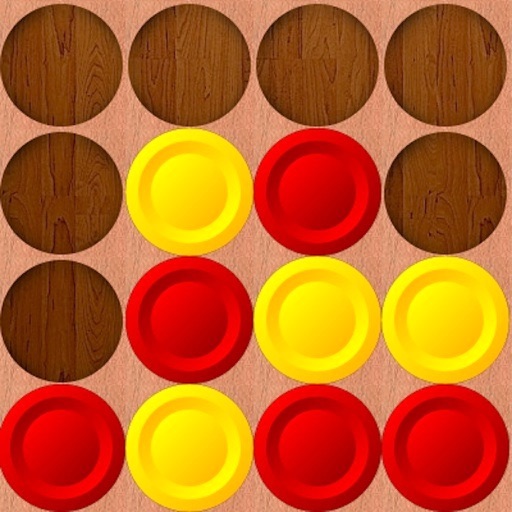
Play in a Row by dropping tokens into a grid to connect in a row. Challenge Game Center friends or random opponents in turn-based multiplayer. Support single-player and two-player modes.
The app offers classic cribbage gameplay for two players, with options for single-player against a computer or online multiplayer. It features daily challenges, leaderboards, and tournament-style play.