Apps Like Concertina - Anglo Concertina for iPhone and iPad
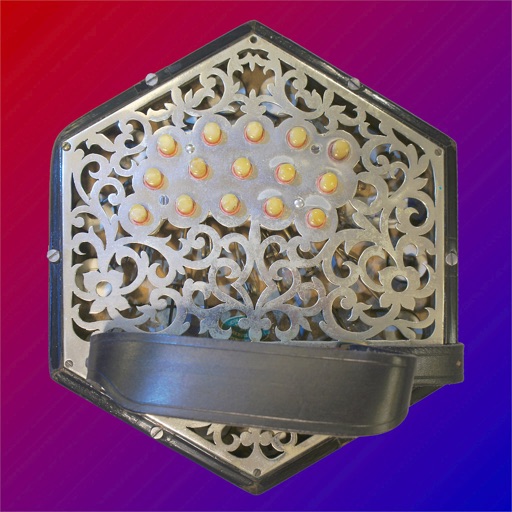
Authentic Anglo Concertina sound simulation.
The app provides an authentic sounding virtual Anglo Concertina in the key of C/G. It is bisonoric, meaning it plays a different note for each button depending on bellows direction.
by Michael Eskin★ 5.04 ratingsMusicFreeData updated 2026-09-12
Create and play music with virtual instruments including pianos, basses, guitars, drums, and synthesizers. Use Chord Pads to build harmonies. Record performances and export audio files. Share creations directly from the .
Allows users to slow down audio, loop specific sections, and adjust pitch. They can isolate instruments using EQ, tempo while preserving sound quality, and export loops for practice.
View and learn diagrams for all standard chords. Strum chords to hear their sound or individual strings for note recognition. Switch between left-handed and right-handed displays. Choose from standard, baritone, or D tunings.
Convert into interactive lessons with accurate scanning and transposition tools. Adjust key settings for different instruments. Play along with built-in audio. Save and organize lessons. Export notes and practice tracks.
The app allows users to compose music for various ensembles and offers handwriting recognition with Apple Pencil. Users can import scores, edit notes, and export compositions as PDF, MusicXML, or MIDI files.
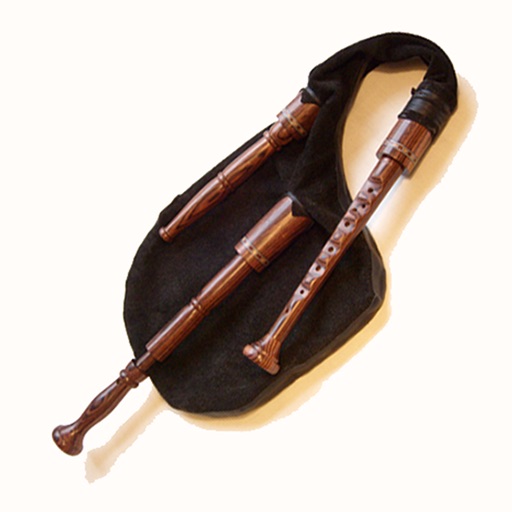
The app provides an authentic sounding Swedish bagpipe with a single chanter and drone. It can be played on-screen or with a hardware MIDI chanter or keyboard, and it supports MIDI pitch bend and chromatic to GHB scale mapping.
Practice with exercises on key signatures, intervals, and chords. Identify notes in treble and mezzo-soprano clefs. Train sight reading with varying difficulty levels. Learn about triads, sevenths, and extended chords.
The app allows users to compose music scores with various symbols and multiple tracks. It supports different instruments, transposing instruments, and playback.
Learn with 3D diagrams showing finger positions. Hear each note's sound and view real-time demonstrations by a saxophonist. Access lessons for different types including soprano, alto, tenor, and baritone.
Learn state facts through interactive . Explore maps, flags, seals, and capital cities of all 50 . Play educational to reinforce knowledge. Zoom in and out of maps with two-finger gestures. Tap shining stars to progress through lessons.
Theory through interactive exercises that teach reading, writing, and playing . Practice at your own pace with fun, experience-based activities. No instrument required. Track progress and set personal learning goals.
Create and edit songs by dragging and dropping chords. Transpose songs to any key. Generate print-ready PDFs. Analyze and display fingerings for chords, scales, and arpeggios.
Play and simulate a with realistic bellow airflow and key responses. Adjust volume, pitch, and tuning. Access authentic Indian music scales and chords. Save and share custom sound settings. Connect to external audio devices for live performances.
Tune instruments with a chromatic that auto-transposes notes up or down by an octave. Display shows pitch in bright LED. Supports calibration to any pitch standard. Offers ultra-precise tuning with ±0.01 cent accuracy. Includes drop or capo mode.
Create and edit musical scores with multi-staff and multi-voice editors. Add notes and chords using the Pencil tool. Transpose sections with vertical drag. Use On-Screen piano for quick composition. Select and adjust elements with the Select tool.
Play melodies by plucking individual strings. Adjust tuning and volume. Save and share performances. Access historical information about the origins and evolution.