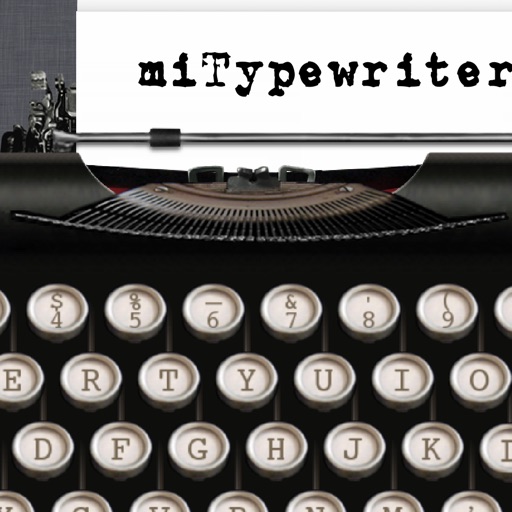
The app presents a typewriter interface on an iPhone or iPod Touch. Users can manage documents, email content as text or images, and utilize features like a backspace key and external keyboard support.
by Teruaki Onoda★ 4.47 ratingsLifestyle$1.99Data updated 2026-10-25
The app provides Armenian typing for iPhone and iPad with multiple layouts and customizable themes. Settings sync from the app to the keyboard for a consistent user experience.
Display memos as on the home screen. Create, edit, and organize notes with text input. Set reminders and categorize memos. Share notes via copy or email. Sync across devices.
Create presentations using 70 customizable with over 20 slides each. Adjust colors, fonts, images, and animations within . Request additional for specific needs.
Edit videos with real-time preview, trimming, and splitting. Add transitions, text, and stickers. Export in 4K resolution. Use external keyboard and mouse for efficient editing. Supports iPad, iPhone, and Mac with Apple M1 chip.
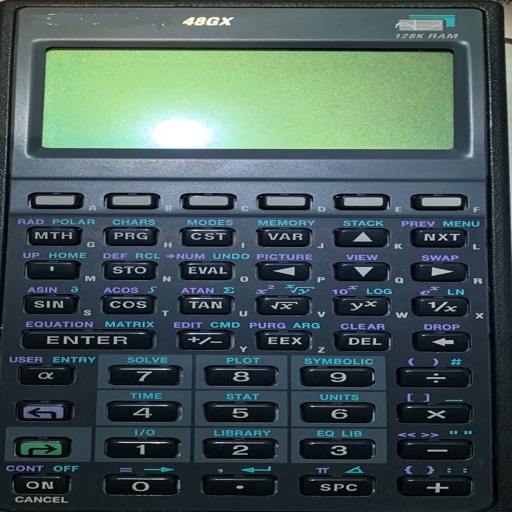
A calculator with large buttons and a big display. Perform addition, subtraction, multiplication, and division. Features a Retina display for clear viewing.
Offers a larger keyboard layout with big keys for comfortable typing. Supports one-handed use. Provides secure typing without full access. Features a familiar layout for easy use.
A editor that supports plain text, , and Textbundle. Renders documents fully without modifications. Displays images directly in the editor. Supports math formulas, mermaid, and Echarts.
The app provides five Armenian keyboards for iOS, supporting Western and Eastern Armenian with a unified phonetic layout. It includes gesture typing, text navigation, and mathematical calculations, with multiple themes available for each layout.
Detects languages automatically and suggests words in multiple languages simultaneously. Users can with a keypad layout or swipe for faster input. It supports VoiceOver for accessibility and remembers frequently used words.
The app allows users to create quick notes using handwriting or typed text. Users can set alarms and reminders for notes, customize their appearance, and use photos as backgrounds or for marking.
Print documents and photos from various file types. Merge PDFs and scan documents directly. Print wirelessly to connected printers. Save and share files via cloud services. Manage print jobs and view scan history.
Prevents computer screen lock by moving the cursor automatically. Scrolling mode moves the cursor by scrolling an image and increasing screen brightness. Vibration mode moves the cursor via phone vibrations. Works on Windows and macOS.