Edit and view documents including Word, Excel, PowerPoint, PDF, and Google Docs. Create and edit spreadsheets with formulas and charts. Present slides with animations and transitions. Convert and scan documents.
Create notes and documents by hand with AI-powered recognition. Draw, sketch, and annotate PDFs on an expandable canvas. Convert to text and create diagrams with intuitive gestures. Organize content with layers and embed images.
Create projects, add members, and share configurations
Create projects and manage members. Add or remove slides and preview each. Switch background images and clone projects. Share configurations as images or PDFs.
Create and deploy , websites, and games directly from a phone. Use natural language prompts to build projects without coding. Chat with the Agent to automatically generate and launch projects. View and manage in real-time.
Edit documents, spreadsheets, and presentations online
Create, edit, view, and share documents. Compatible with Word, Excel, PowerPoint, PDF, and Google Docs formats. Sync documents across mobile devices and Mac. Scan and convert PDFs. Export files in multiple formats.
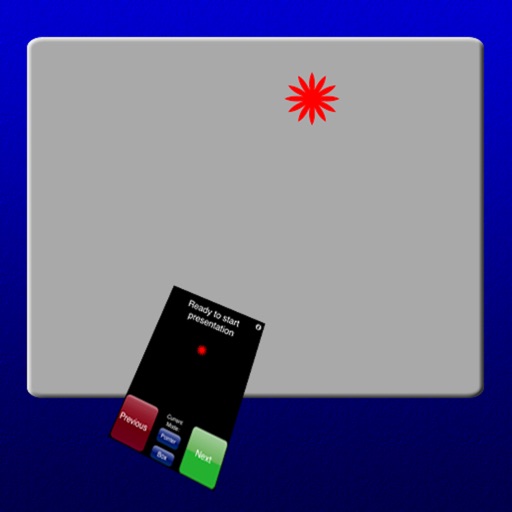
The app transforms a smartphone into a remote mouse controller and presentation tool. It supports laser pointing and multi-touch mouse mode for presentations.
The app provides remote access to PCs and Macs over Wi-Fi or mobile data. Users can access computer files and run applications from their iPad or iPhone.
Access templates for presentations across business, education, and other categories. Choose and customize designs with text, images, and layouts. Export slides directly to files. Sync presentations with cloud storage services.
Record meetings, transcribe audio, format notes, search
Records audio during meetings and provides word-for-word transcriptions with speaker labels. Generates formatted notes, summaries, and allows searching for key terms.
Record notes in high-quality PCM, MP4, or AAC formats. Save recordings to device or iCloud Drive. Transcribe audio to text. Play recordings at high speed. Share files via email or preferred . Trim and edit recordings as needed.
Create and edit presentations with slide editing tools. Import PowerPoint files (.PPTX) and continue work offline. Export as image or PDF. Use templates for marketing, sales, and other purposes. Customize themes and design slides.
The app supports local files and web sites. Users can import videos, images, and documents as slides, or use the integrated web browser to show live content.
Write essays with real-time source integration and citation formatting. Organize notes and research in customizable folders. Set reminders and deadlines for tasks. Export documents in multiple formats and sync across devices.
Create professional presentations with ready-made slides, templates, diagrams, charts, infographics, themes, icons, and graphics. Edit and customize slides, add visuals, and apply design elements directly within .
The app allows users to create video screencasts from slides and photos. Users can narrate and annotate images and slide decks to produce engaging videos.
Perform general calculations including addition, subtraction, multiplication, division, and square roots. Use memory functions for storage and retrieval. Apply thousands separators and handle numbers up to 60 digits.