The app shows users when clocks change, the effect on the hour, and the impact on sleep. It provides a live countdown, a visual representation of the hour change, and details about current and future time zones.
by Drobnik KG★ 4.52 ratingsReference$0.99Data updated 2026-10-21
Provides quick access to apps, , and shortcuts on the Home Screen, Lock Screen, and Notification Center. Users can customize layouts, set up shortcuts, and manage .
Manage time zones by adding and renaming cities to a home page. Compare time differences between cities. View city time, time zone, and location on a map. Check sunrise and sunset times for each city. Adjust time forward or backward as needed.
Track time with a retro face. Set alarms and timers. Adjust for 12-hour or 24-hour format. Customize watch faces with vintage designs. Sync with smart devices for notifications.
Access services for Morning, Evening, and Night as per the Church of England's tradition. Includes Bible readings, prayers, and worship materials in both contemporary and traditional formats. Users can set reminders and track schedules.
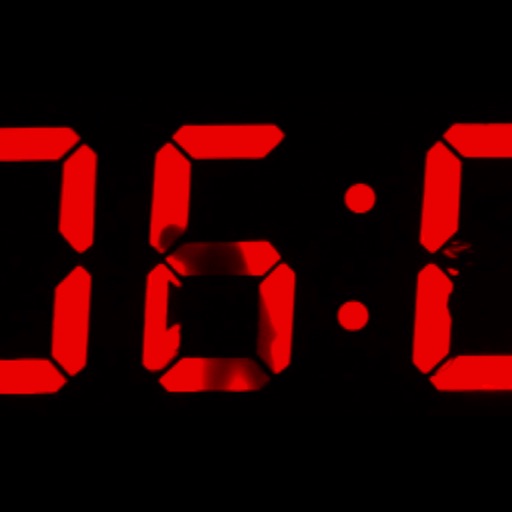
This app displays time by videoing someone painting the digits. The anonymous digital clock becomes a performance as each minute is hand painted by a hidden man.
The app calculates moon phases and sunrise, sunset, moonrise, and moonset times for dates between 1900 and 2099. It uses the phone's location and timezone to show moon phases and events for the current location.
Track hours of service compliance with countdown timers. Update duty statuses and note special driving conditions. Store logs for 14 days and current 24 hours. Certify logs and share data with safety officers.
Turn your iPhone or iPad into a functional watch with a always-on . Adjust brightness manually. Set countdown timers up to 24 hours. Use Pomodoro Technique with 25-minute intervals and 5 or 10-minute breaks.