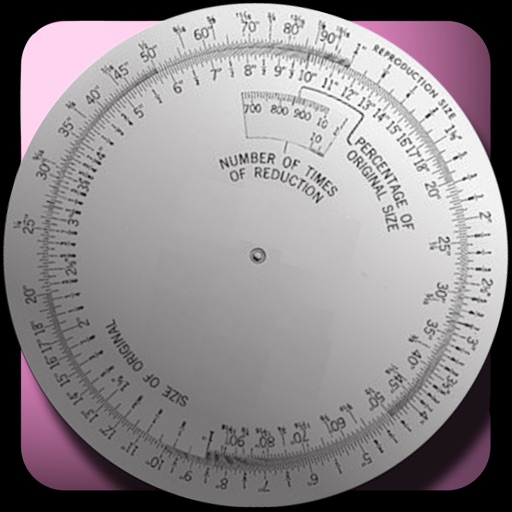
The app calculates new image dimensions while maintaining aspect ratio to prevent distortion. It offers fraction and percent modes, and an image scale tool for precise pixel sizing with a preview.
by Courtney Parsons★ 4.514 ratingsUtilities$1.99Data updated 2026-09-11
The app allows users to combine photos using a layer blender, 100 filters, and 100 fx elements. Users can edit foreground masks and save images in full resolution.
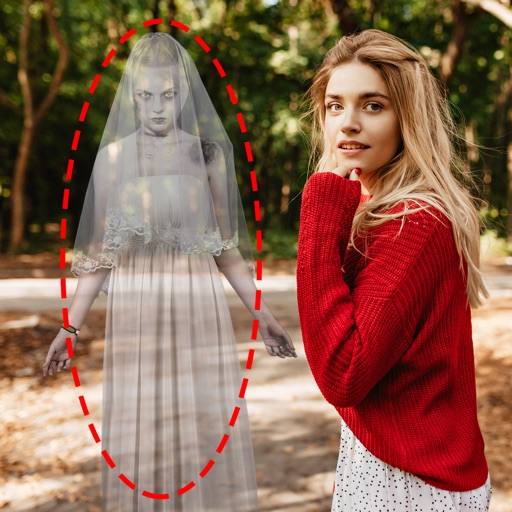
Edit photos by adding ghosts, monsters, or zombies from 62 options. Adjust transparency, color, saturation, brightness, and contrast for each creature. Position and resize creatures freely. Share finished photos with friends.
Compress photos to reduce file size before sharing. Adjust resolution and dimensions. Maintain minimal image quality loss. Export compressed photos for email or social media.
Photos into PDF documents. Turn JPG images into PDF format. Standardize image formats for easier sharing. Maintain photo quality during conversion. Save and share PDFs directly from the .
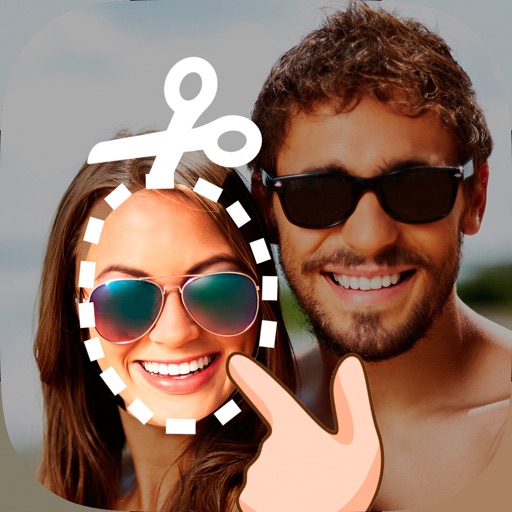
Edit photos by cutting and pasting faces, removing backgrounds, and deleting unwanted people. Add missing faces to photos. Use the silhouette head tool to select and edit elements. Export edited images directly.
Create movies by combining videos, photos, music, text, recordings, and finger drawings. Add transitions, effects, and captions. Export and share finished projects directly.
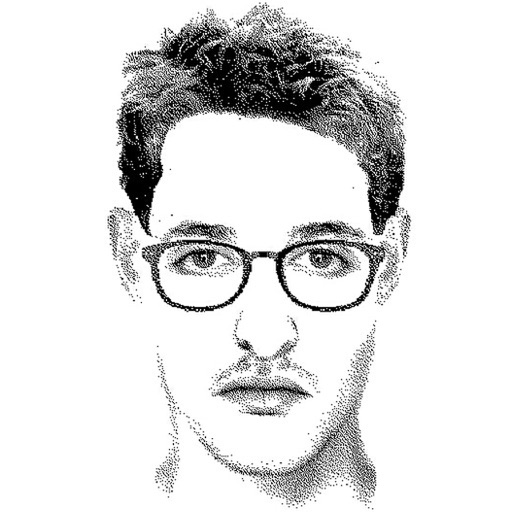
Create detailed facial sketches by customizing elements like eyes, nose, mouth, hair, and glasses. Move and resize features freely. Save, load, and export sketches as JPEG images.
Add and time stamps to photos automatically or manually. Include captions and watermarks with customizable text. Apply signature stamps and logo overlays to protect photos with copyright marks.
Convert SVG files to Swift or Objective-C code for development. Edit vector graphics in preferred drawing apps and export as code. Supports scalable graphics without dimension limitations.
Apply to photos using the built-in image editor. Select from a gallery or take a new with the camera. Add to enhance images of children. Save and share edited photos directly.
Edit photos by adding , stickers, and text. Create collages and cards with customizable designs. Upload images from the gallery or take new photos. Choose from pre-designed and stickers. Add notes and messages to photos.