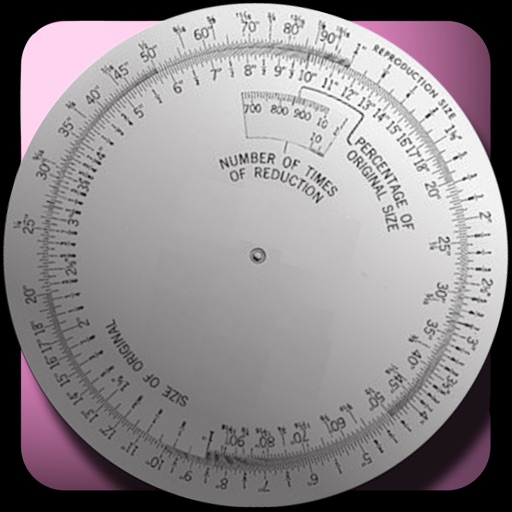
The app calculates new image dimensions while maintaining aspect ratio to prevent distortion. It offers fraction and percent modes, and an image scale tool for precise pixel sizing with a preview.
by Courtney Parsons★ 4.514 ratingsUtilities$1.99Data updated 2026-09-11
Resize images to standard resolutions for social media, presentations, or printing. Adjust dimensions manually or use predefined options. Support multiple formats including JPG, JPEG, PNG, PDF, TIFF, BMP, GIF.
Create photos and videos without cropping for social media. Adjust background with blur, patterns, gradients, and colors. Apply filters, effects, and add image stickers. Support various social media aspect ratios.
Convert PNG images to high-quality PDF files. Merge multiple images into one PDF. Select custom paper sizes like A4, A3, A5, or Letter. Save and share the resulting document directly.
Create 3D models and graphics with advanced tools. Import and edit 3D assets. Build environments and mockups. Export in various formats. Supports professional workflows and beginner-friendly features. Syncs with desktop software.
Scan areas suspected of using the camera. AI analyzes images to detect presence, identify type likelihood, and assess severity. View results in a personal dashboard with organized scan history. Track changes over time to monitor issues proactively.
Objects with a digital ruler, measuring tape, and level . Calculate feet and inches with conversion calculators. Use laser level for alignment. Export measurements and share results.