iPhone Screenshots
Description
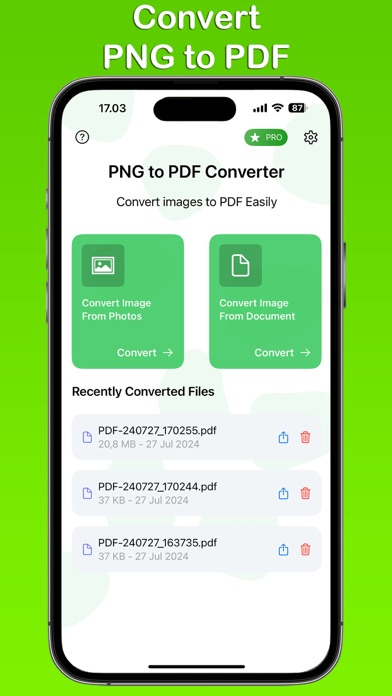
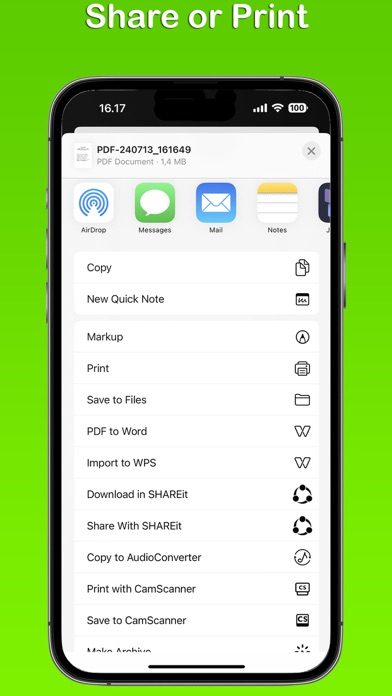
Convert PNG images to high-quality PDF files. Merge multiple images into one PDF. Select custom paper sizes like A4, A3, A5, or Letter. Save and share the resulting document directly.
Transform your PNG images into high-quality PDF files with the PNG to PDF Converter app. This user-friendly app allows you to convert multiple images into a single PDF file effortlessly. Whether you need to create professional documents or save personal memories, our app provides a quick and efficient solution.
Key Features:
Multiple Image Conversion: Convert multiple PNG images into a single PDF file.
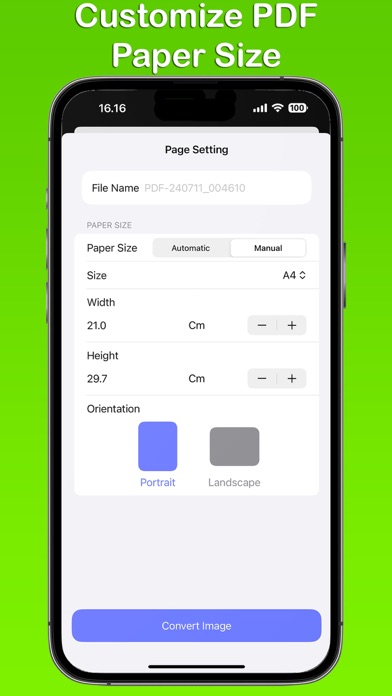
Custom Paper Sizes: Choose from standard paper sizes such as A4, A3, A5, Letter, Legal, or set your own custom size.
Auto or Manual Selection: Easily switch between automatic size selection or manually choose the dimensions that suit your needs.
History: Keep track of your conversions with the built-in history feature, allowing you to quickly access previously converted files.
PNG to PDF Converter app is free. You can use it forever, at no cost. However, PNG to PDF Converter app does offer premium features for its subscribers. If you decide to purchase an upgrade, you will unlock additional features.
Terms of Use: https://kociapp.github.io/PNG-to-PDF/term-of-use
Privacy Policy: https://kociapp.github.io/PNG-to-PDF/privacy-policy