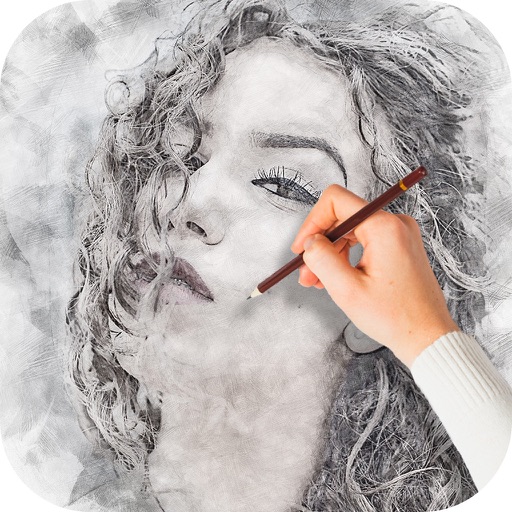
The app analyzes and redraws photos from scratch, creating pencil sketches of remarkable quality. Users can explore art possibilities with simple controls and save creations in 4K resolution.
by Studio Mee★ 4.515 ratingsPhoto & VideoFreeData updated 2026-09-11
Allows users to create artwork by selecting colors and tapping to fill areas. It offers pre-designed categories like animals, flowers, and mandalas. Users can pinch to zoom for detailed . Artworks can be drawn freely.
The app provides creative presentation possibilities for names, quotes, or love messages. Users can add style to their social media posts or use creations as cover pages, e-cards, or device backgrounds.
Create digital artwork using drawing tools, brushes, and layers. Adjust colors, opacity, and stroke settings. Save and export drawings in various formats. Access built-in help files for guidance.
Draw and sketch with pen, eraser, or lasso tools. Adjust pen thickness and color. Change canvas background color. Zoom and pan the canvas. Save and share drawings in one step.
Resize images with adjustable dimensions and resolution settings. Crop, rotate, and flip photos. Add text, borders, and effects. Save and share edited images directly. Supports multiple file formats and integrates with social media platforms.
The app provides sketches for coloring and a blank page for original designs. It offers 14 colors and 5 brush sizes to encourage creativity and hand-brain coordination in children.
The app offers a powerful, beautiful, and simple pixel editing experience for professionals, hobbyists, and newcomers. It features a clean interface, responsive drawing, unlimited undo, and a robust toolset for creating pixel art.
Create and refine digital artwork with drawing tools and tutorials. Import photos for reference. Save and organize sketches in digital sketchbooks. Practice advanced techniques with guided lessons.