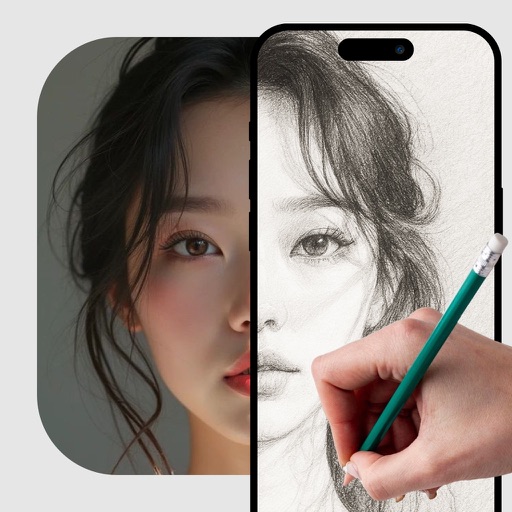
The app analyzes and redraws photos from scratch, creating pencil sketches of remarkable quality. Users can explore art possibilities with simple controls and save creations in 4K resolution.
by Studio Mee★ 4.515 ratingsPhoto & VideoFreeData updated 2026-09-11
Create art using realistic and watercolor effects. Draw with tools like marker, airbrush, crayon, and eraser. Apply fluid-based watercolor effects in the full version. Adjust colors and blend textures for detailed illustrations.
Use camera to project image outlines onto paper for tracing. Choose images from gallery or collection. Follow lines to practice sketching. Suitable for beginners, artists, and students. Improve hand-eye coordination.
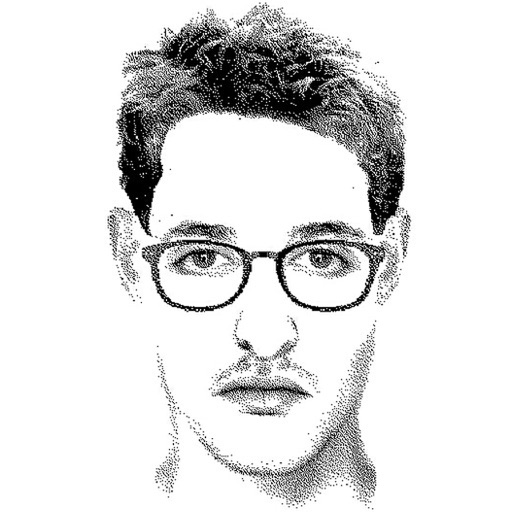
Create detailed facial sketches by customizing elements like eyes, nose, mouth, hair, and glasses. Move and resize features freely. Save, load, and export sketches as JPEG images.
Create and edit digital art with customizable brushes and color palettes. , , and apply filters. Import and modify photos. Save and share artwork. Sync with Apple Health for progress tracking.
The app transforms user images into watercolor art with liquid color pools and delicate details. It offers two professional-quality aquamedia styles, a randomize color button, and numerous styles for customization.
The app allows users to create sketches and share them with friends. It offers filters to transform photos into sketches and frames to decorate creations.
Create custom images by adding photos as backgrounds. Touch to draw dots and customize designs. Save creations and share via social media or messaging.
Create glowing art with a variety of brushes and colors. Save artwork as photos. Share creations on Facebook and Twitter. Includes tutorials for learning art techniques.
Edit photos by adding hats, glasses, facial hair, and other accessories. Share creations on Customizepics.com for global viewing and voting. Upload and customize images directly within the .
Create art with layer editing tools including adding, deleting, duplicating, hiding, sorting, and grouping layers. Use blend modes and transparency settings. Access various tools like pen, eyedropper, eraser, and selection.
The app allows users to create art from photos with a personal touch. It offers flexible export options including 4K images and movies of the entire session.
Create designs using AI-generated sketches based on text prompts. Select from various styles and customize details like placement and size. Export designs in multiple formats and share directly.