Merge multiple photos into a single artwork by selecting and combining image sections. Remove or re-add parts using finger painting techniques. Adjust brush settings for precision.
by Voxeloid Kft.★ 4.71,877 ratingsPhoto & VideoFreeData updated 2026-09-08
Create digital paintings with realistic brush strokes and textures. Smear and blend paints to control coverage. Adjust paint consistency and paper roughness for authentic effects. Export artwork in various formats and share directly.
Create detailed technical illustrations and artistic designs with vector editing tools. Draw, reshape, and color elements with precision. Import and export files in multiple formats. Use layers, masks, and effects for advanced design work.
Create artwork by selecting up to 300x300 stitches and 128 colors. Place stitches by tapping, paint by number, and save progress. Import images for custom designs. Stitch adjacent plaids in 3x3 grids. View completed patterns and export as images.
Create frame-by-frame animations from scratch or based on videos, images, or Photoshop layers. Export in multiple formats. Draw and animate directly on iPad or iPhone.
Arthur Eduardo Skaetta Alvarez Desenvolvimento de Software LTDA.
Edit photos and unwanted content
Unwanted content from photos by selecting and painting over areas to . Use zoom and move tools to visualize the subject. Edit photos offline without internet connection. Save and share edited images directly.
Create oil paintings from photos with brush stroke effects, color blending, and texture layers. Adjust lighting and shadows. Save and share final artwork in high resolution.
Create seamless patterns using 17 symmetry types and 23 templates. Draw with 18 brushes including pencil, liner, and airbrush. Use symmetry guide lines to align designs. Export patterns in multiple formats.
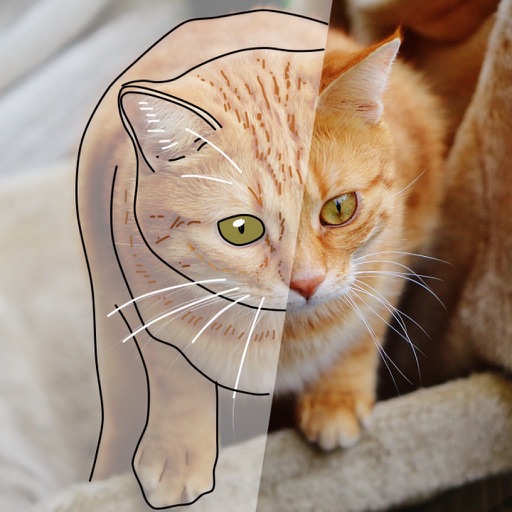
Over image templates with automatic pen tracking for accurate . Select from preloaded categories like animals, flowers, and vehicles. Choose from over 150 colors to customize drawings. Export final artwork in various formats.
Create drawings using a brush tool and customize colors. Access educational content and activities for all ages. Unlock premium features with a weekly subscription. Share completed artwork.
Create digital art or doodles on photos with advanced painting tools like 3D-Shaded , Halo , Plasma Chain , and Translucent . Use Lighten and Darken tools to add depth. Adjust stroke size based on finger pressure. Export artwork in various formats.
Create digital paintings using layers, masks, and clipping. Apply smudge and blur tools for texture. Draw shapes and use pure colors. Erase parts of artwork. Save and share completed pieces.
Blurify allows users to specific areas of a or the entire background. They can select from various brush types and shapes to apply . Adjust the intensity using a slider. Pre-set effects can be applied for different styles.
Create animations with drawing tools, color options, and frame management. Import images or draw directly. Export and share animations on Cineverse. View progress and refine frames for detailed editing.
Edit photos by removing backgrounds with mode, object extraction, and quick select tools. Use transparent backgrounds for stamps and collages. Share edited images directly with other apps.
Create digital artwork using drawing tools and customizable templates. Access categorized sketch ideas for different skill levels. Save and share drawings directly. Adjust brush settings and layer options for detailed artwork.