Merge multiple photos into a single artwork by selecting and combining image sections. Remove or re-add parts using finger painting techniques. Adjust brush settings for precision.
by Voxeloid Kft.★ 4.71,877 ratingsPhoto & VideoFreeData updated 2026-09-08
Create art using realistic and watercolor effects. Draw with tools like marker, airbrush, crayon, and eraser. Apply fluid-based watercolor effects in the full version. Adjust colors and blend textures for detailed illustrations.
Edit photos with country-themed stickers and flags. Add team shirts and customize designs. Create montages with multiple editing options. Share edited photos from or gallery.
Create artistic images with single-tap camera effects and professionally designed filters. Adjust brightness, contrast, and tone curve. Blur and focus images. Rotate, crop, and resize photos. Add text and fun stickers.
Edit photos with basic tools like cropping and adjustments. Apply AI-powered art filters for creative effects. Enhance images with intelligent editing features. Save and share edited photos directly.
Photo montages, collages, and custom . Edit images by erasing, changing, or adding backgrounds. Cut people from photos and place them on new images. Add personal photos and decorate with fun .
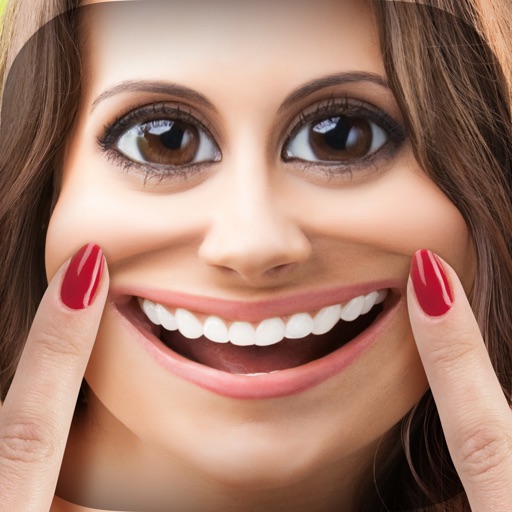
Edit photos with , bend, and distortion tools. Apply one-click makeovers for facial and body changes. Adjust body shape, slim down, or enlarge features. Save and share modified images.
Automatically pixelates faces and blurs sensitive content in photos using smart auto blur. Users can hide or reveal faces with a single tap. Manual editing allows adjusting filters like pixelate, blur, mosaic, and crystallize.
The app simulates virtual oil paint and brushes for realistic drawing. It features an interactive palette for color manipulation and offers numerous free coloring books.
Convert photos into or vector styles using AI. Apply over 100 background effects. Edit portraits with customizable avatars. Share edited images directly.
Create fluid ink paintings with finger swipes. Use tapered brushes for organic line effects. Overlay strokes for layered artwork. Practice minimalist and painting techniques.
Allows users to apply effects to backgrounds. Select images from the gallery or capture new photos. Use multiple blurring tools to adjust the effect. Export edited images directly.
The app simulates watercolor blending and spreading behaviors using fluid simulation technology. It supports techniques like wet-in-wet, wet-in-dry, dry brush, and dry on wet, along with pencil sketching.
Create collages by selecting a layout and adding photos. Arrange images in customizable grids or freeform styles. Export collages in various formats and share via social media or messaging apps.
Design tags with customizable markers and nib shapes. Choose from various stroke sensitivities and color options. Save creations with one click. Create personalized street art and tags.
Create art using with 2-fold to 128-fold options. Draw patterns or let the generator create designs. Adjust brush size and style. Share creations on Facebook, Twitter, Instagram, and other platforms.
Edit photos with AI cartoon filters, -to-sketch conversion, and mosaic art creation. Remove backgrounds, add drip art, and create collages. Save and share edited images directly.
Convert text prompts into AI-generated artwork. Create and customize visual scenes with detailed descriptions. Export and share finished designs in various formats. Adjust colors, composition, and style settings for refined results.
The app transforms user images into watercolor art with liquid color pools and delicate details. It offers two professional-quality aquamedia styles, a randomize color button, and numerous styles for customization.