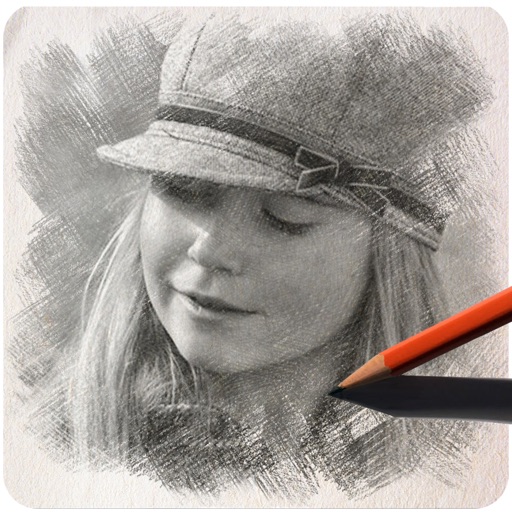
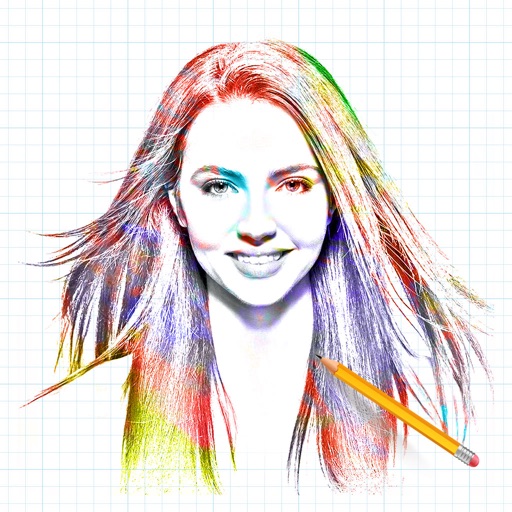
Turn photos into pencil sketches using advanced analysis and redrawing. Select images from the library to convert into detailed artwork. Share the results directly or save as new files.
by Studio Mee★ 4.5142 ratingsPhoto & Video$2.99Data updated 2026-09-08
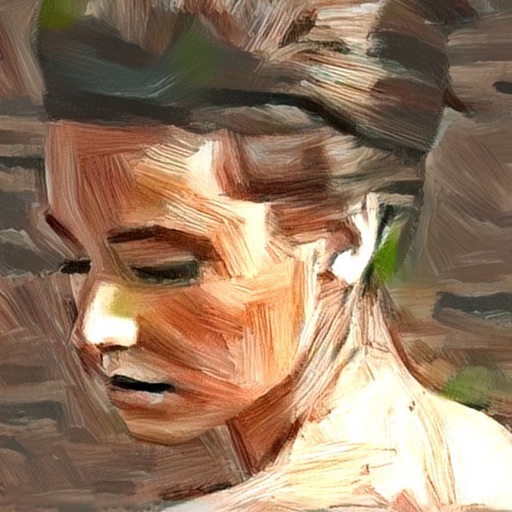
Turn photos into artistic portraits using AI-generated styles inspired by famous paintings. Choose from various art techniques and adjust details. Save and share the final artwork in different formats.
Stylize photos using over 500 AI art styles from various movements. Edit and retouch images with professional tools. Work offline with on-device AI models. Keep data private with no cloud storage. Export edited images in multiple formats.
Take photos of objects to create - animations or time-lapse videos. Edit sequences, adjust timing, and export as cartoons or animations. Combine photos into videos with customizable transitions and effects.
Images and videos using text, sketches, or photos. Generate visuals from descriptions or references. Turn still images into videos or scenes from text. Edit and refine outputs with AI assistance. Export final creations in various formats.
Create and edit digital artwork with layers, brushes, and custom tools. Adjust colors, brightness, and contrast. Import photos and sketches. Save and export in various formats. Apply filters and effects. Collaborate with others through cloud sharing.
Create AI-generated art by typing prompts. Select from styles like realistic, anime, and 3D. Generate images instantly. Save and share artwork directly.
Convert static images into animated using AI. Choose from multiple models like Veo 3.1 and Wan 2.5. Upload photos or graphics to generate cinematic animations without editing skills. Export directly without requiring a credit card.
The app transforms photos into surreal art with 15 animated effects like comic-book ink, VHS, and glitch. Users can import photos or use the camera to capture images and apply real-time, on-device rendering.
Create unique avatars using AI by uploading photos. Generate AI videos with customizable styles and settings. Enhance image quality with AI-powered improvements. Combine photos to form stylized representations of people in various scenarios.
Edit photos with HDR effects, filters, and detailed adjustments. Enhance images with powerful lighting and contrast tools. Save and share edited photos in various formats.
Apply filters to photos from the gallery or during capture. Choose from twelve unique styles including cartoon, sketch, and paint effects. Edit images with artistic filters and save or share the modified photos.
Convert photos to style with 16 customizable masks. Adjust colors and settings for detailed control. Save high-resolution artwork for print. Share creations socially. Supports iPhone, iPad, and iPod touch.
See color values in real-time using the camera or convert photos to grayscale. Measure lightness of specific points. Apply grayscale filters for sketching. Helps with grayscale art and contour line practice.
Create animation with filters, changer effects, and 8 animation styles including cartoon, , and pop art. Apply effects live from camera or photo library. Share on Instagram, Snapchat, or Facebook.