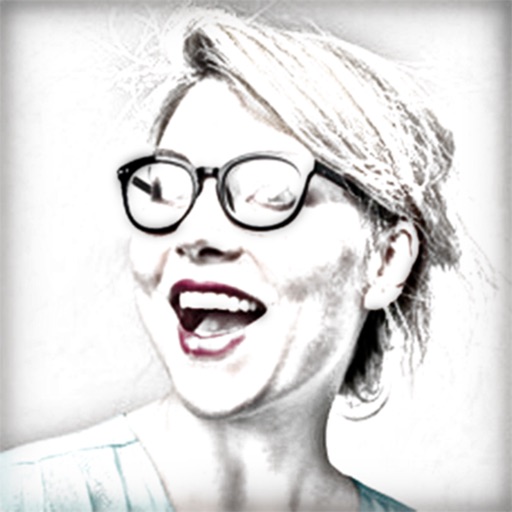
Turn photos into pencil sketches using advanced analysis and redrawing. Select images from the library to convert into detailed artwork. Share the results directly or save as new files.
by Studio Mee★ 4.5142 ratingsPhoto & Video$2.99Data updated 2026-09-08
Turn photos into drawings, cartoons, or sketches with one click. Apply various effects including black strokes, white strokes, pastel, and halftone. Adjust edge strength, opacity, contrast, brightness, and saturation.
Create sketches from photos or camera captures with "," "Doodle," and "Hatch" styles. Adjust colors for black-white or vibrant results. Save images with a single tap. Share generated sketches directly.
Edit photos and videos into paintings using 31 presets and 12 professional tools. Apply AI-generated effects with machine learning assistance. Adjust colors, brushes, and textures for custom artwork. Export edited media in various formats.
Create and refine digital art using AI-powered tools. Draw sketches or provide text prompts for AI interpretation. Make edits to existing images with precise control. Adjust colors, shapes, and details for accurate visual results.
The app provides graphic design and drawing tools for creating sophisticated projects. Users can design and collaborate anywhere, using photos, fonts, and shapes to create various graphics and art.
Convert photos to colored or black and white sketches using 7 available effects. Choose a photo from the library or take a new one. Apply a effect and save the result to the device. No internet connection is required.
Lets users adjust brightness and contrast to analyze tones in images. They can isolate light and dark areas to study shadows and highlights. Export grayscale versions for use in drawing or painting practice.
Edit photos and images with advanced tools for retouching, layering, and painting. Create multi-layered art and designs. Adjust colors, contrast, and lighting. Export in various formats and share directly.
Edit photos by removing backgrounds from portraits and creating posters and wallpapers. Use cartoon face filters to transform appearances into webtoon-style characters. Choose from templates to enhance images and share them directly.
Edit photos using AI to generate professional headshots and creative styles. Adjust lighting, background, and pose. Save and share edited images directly. Apply filters and customize details for different purposes like LinkedIn, dating, or avatars.
Convert images, sketches, or artwork into high-contrast black and white stencils. Adjust contrast and edges for precise results. Export stencils in high resolution for use.
Create art with 10 brushes. Adjust brush size and color randomly. Import photos to doodle on. Add drawings to family images for customization. Save and share completed artwork.
Edit photos with AI-powered style transformations, including anime, action figures, and sketches. Generate videos from images using pre-designed templates. Share edited content directly or export in various formats.
Arthur Eduardo Skaetta Alvarez Desenvolvimento de Software LTDA.
Convert photos to sketches
Convert photos into various styles like , colored, painting, and comic. Adjust brush thickness for customization. Save high-resolution sketches for sharing or printing.
Convert photos into 8-bit art using AI and manual drawing tools. Adjust colors, resize, and refine details. Export as image files or share directly. Create profile pictures, game assets, or digital art with customizable settings and editing options.
Turn photos into sketches, oil paintings, and watercolor with style transfer. Apply filters to enhance visuals. Export edited images in various formats and share directly.