The app simulates gravitational lensing, bending light from distant galaxies. Users can adjust lens models, distort photos from their library or camera, and view the world through a real-time lens.
by Eli Rykoff★ 3.76 ratingsEducationFreeData updated 2026-09-11
Captures wide-angle photos with a lens effect. Adjust intensity and crop images. Save and share photos directly. allows drawing on images using touch gestures. Export drawings via email or social media. Access a library of drawing tools and colors.
Record videos with on-screen text guidance. Adjust scroll speed and text size for customization. Set fill colors for high contrast. Align text left, center, or right. Flip or mirror for glass rigs. Use front or back camera for shooting.
Turns mobile device into a virtual and microphone for Windows software via wireless or USB. Capture video for online meetings and streaming. Lite edition offers 640x480 resolution without audio.
Correct lens distortion by drawing 4 guides or adjusting bulge/pinch settings. Tilt and stretch images in horizontal and vertical directions. Free transform by dragging 4 corners to adjust distortion. Export edited photos in various formats.
Transform smartphone into a 3D theater with an attached lens. View 3D movies, photos, and videos with depth. Enjoy high clarity and smooth performance. Manage 2D and 3D media in a single .
Calculate undulation using the EGM96 dataset. Input GPS coordinates to determine elevation differences between Mean Sea Level and WGS84 ellipsoid. Export results for further analysis.
The app visually represents depth of field and angle of view through interactive graphics, a map, and augmented reality. Users can input object distance and adjust aperture and focal length to understand photographic parameters.
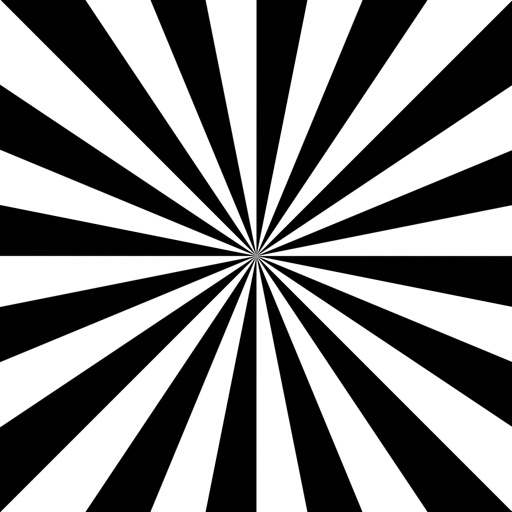
The app displays two focus charts, including a siemens star, to aid in camera lens adjustments. It keeps the phone active during focus testing and lens evaluation, allowing users to switch between charts with a swipe.
If objects are using a virtual grid overlay. Align items with the grid lines for accuracy. No need to touch the device to the object. Works for distant objects and surfaces.