
The Tuning Fork lite
TiAu Engineering UG haftungsbeschraenkt
Digital tuning fork for musicians.
The app provides a digital tuning fork. It allows users to select a frequency and features realistic fade-in and fade-out effects.

Send Morse Code with touch gestures
Learn and practice Morse Code by touching the screen to generate tones. Adjust tone frequency from 300 Hz to 1200 Hz and control volume. Send dots with short touches and dashes with longer holds.
Showing 441–460 of 1,000 ranked alternatives.
TiAu Engineering UG haftungsbeschraenkt
Digital tuning fork for musicians.
The app provides a digital tuning fork. It allows users to select a frequency and features realistic fade-in and fade-out effects.

Joe Fratianni
Virtual tape for adding numbers.
The app provides an adding machine with a virtual tape. It allows users to add and subtract numbers with up to five decimal places, maintaining a running total and a scrollable tape.

Ahmad Hawwash
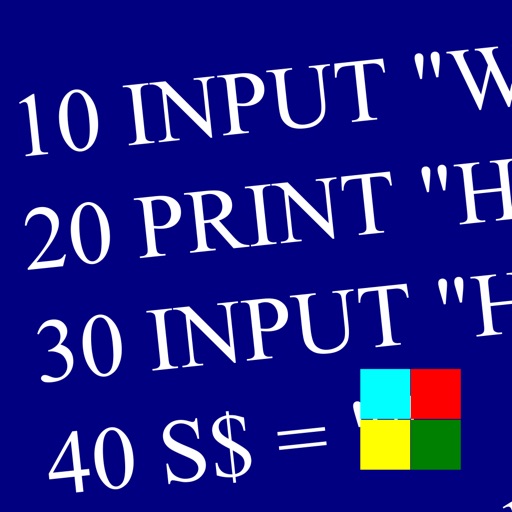
Learn , program, and execute code
Learn and program language on iOS devices. Enter and run code, use built-in functions, and access help documentation. Save and load programs. Simulate Commodore 64 environment for educational use.

Makena Ventures LLC
Connect, send, and manage packets
Provides a terminal interface for radio operations on iOS devices. Users can connect to nodes and BBS systems via amateur radio. Features include full-screen terminal, color themes, and session management.

Hiroshi Sugawara
Touch stars to read Kenji's works
Explore a snow globe-style interface featuring colorful stars. Tap stars to reveal excerpts from Kenji Miyazawa's works. View interactive sky visuals while engaging with poetic content.


正行 Akamatsu
Generate tones and test audio waves
Udio tones with four waveforms: sine, square, saw, and white noise. Adjust frequency using a slider or numeric input. Control amplitude with a dB-style slider. Pan sound left or right with a slider. Toggle sound output on or off.


Casey Evanoff
Open KMZ files directly
Open KMZ files by decompressing them into KML format. View the resulting KML files in Google Earth or as source code. Access stored KMZ files in "My KMZs" and delete them by swiping.

Paula Jeff
Generate with frequency control
Generate tone sounds with adjustable frequency settings from 160Hz to 20000Hz. Use slider or numeric input to set frequency. Play the selected tone. Test hearing by listening to different frequencies.


Leszek Szary
View animated hex code in real time
Display time in animated hexadecimal code with continuously moving values. Customize colors and themes. Set alarms and timers with visual feedback. Sync with other devices for shared timekeeping.

SOFT LTD
Adjust with swipe gestures
Generate frequencies between 1Hz and 25,000Hz. Adjust using swipe gestures or arrow buttons. View real-time wave visualizations. Test hearing range by listening to tones within 20Hz to 20,000Hz.




Apps are ranked by functional similarity, category fit, rating confidence, and popularity.