Create digital artwork using drawing tools and customizable templates. Access categorized sketch ideas for different skill levels. Save and share drawings directly. Adjust brush settings and layer options for detailed artwork.
Draw on a virtual canvas with responsive touch input. Adjust brush size and opacity. Save and share drawings directly. Supports multiple layers and color options.
Play Bingo or variations like Four Corners and Blackout. Customize game appearance with colors and markers. Adjust game speed. Switch between light and dark modes. Track wins and compete against the device.
Create digital art with customizable brushes and layers. Adjust brush settings for pressure and flow. Use Apple Pencil for precise strokes. Save and export artwork in various formats. Import images for tracing or blending.
Create fashion designs using 1,800+ templates and material brushes for fabric textures. Use technical brushes for production drawings. Generate AI-powered videos. Arrange layouts on presentation boards.
Take notes with customizable brushes including pencil, pen, brush, and marker options. Annotate PDFs and sketch lightly. Organize notes with a clean, distraction-free interface. Export notes in multiple formats and sync across devices.
Create and refine sketches and designs with layering and scaling features. Add symbols, text, and dimensions. Import images or plans to set scale. Zoom without quality loss. Rotate elements or the entire drawing.
Create vector illustrations with precise tools for technical and artistic designs. Export to Pages, Keynote, or other formats. Sync work between Mac and iPad. Edit and refine graphics on mobile.
Stickers to collect unique items and complete themed collections. Arrange stickers into artistic scenes and unlock new content. Customize layouts and save progress. Share completed collections with others.
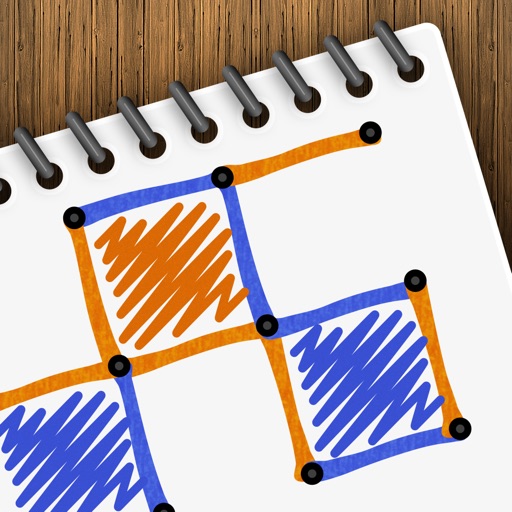
Play a turn-based strategy game by connecting to form . Take turns drawing lines between grid points. Earn points for each box completed. Compete against another player or AI opponent. Customize game settings and track scores.
Access real-time news, game scores, and statistics. View video clips of press conferences and coaches. Share updates via social media. Track upcoming matchups and game recaps. Receive breaking news alerts.